Stop Staring at a Blank Content Calendar
It is Sunday at 9 PM. You are staring at a blinking cursor on a blank Google Doc, feeling that familiar knot in your stomach. You need a post for Monday morning, and you have absolutely nothing prepared. Sound familiar?
Jump to a section:
- Stop Staring at a Blank Content Calendar
- Quick Answer: How to Plan a Week of Social Media Content Fast
- Why Weekly Social Media Planning Feels Impossible
- Build a Content Pillar Matrix to Eliminate Idea Fatigue
- Theme Your Days to Master Batch Creation
- Deploy the 'One-to-Many' Repurposing Framework
- The 14-Day Feedback Loop: Testing Your Content Plan
- 4 Content Planning Mistakes Killing Your Consistency
- From Manual Hustle to Repeatable Output
- Frequently Asked Questions About Content Planning
- The Golden Rule of Social Media Planning
Figuring out how to plan a week of social media content usually feels like an impossible mountain to climb because most creators do it piecemeal. Writing one post every single morning drains your creative battery and forces you into reaction mode. You end up posting filler just to keep your streak alive.
Start creating viral content today
Join other creators who've transformed their social media presence with AI-powered content.
Start creating nowWhat actually works is a streamlined, focused batching system. You can map out a full week of high-quality posts in under an hour if you stop trying to invent new ideas from scratch.
Quick Answer: How to Plan a Week of Social Media Content Fast
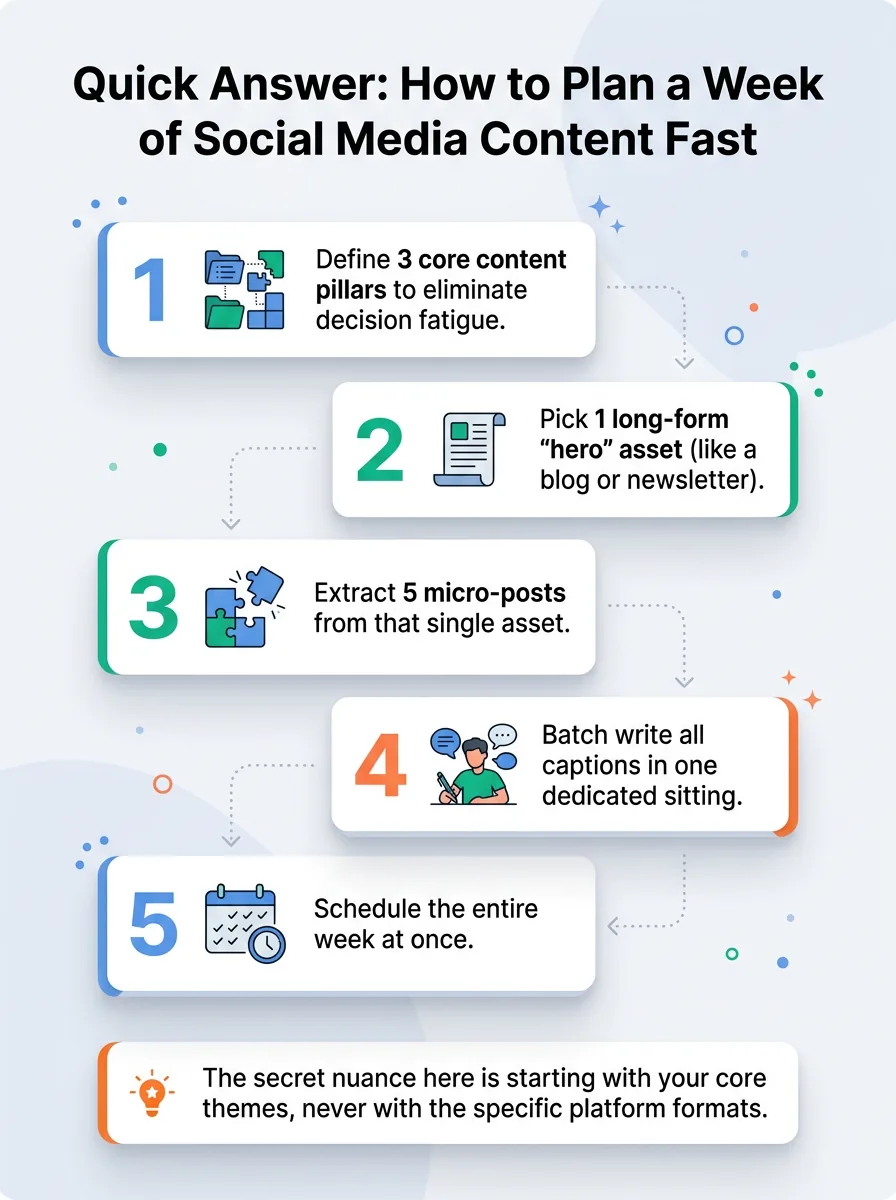
If you want to know how to plan a week of social media content in under 60 minutes, follow this exact workflow:
Define 3 core content pillars to eliminate decision fatigue.
Pick 1 long-form "hero" asset (like a blog or newsletter).
Extract 5 micro-posts from that single asset.
Batch write all captions in one dedicated sitting.
Schedule the entire week at once.
The secret nuance here is starting with your core themes, never with the specific platform formats.
Why Weekly Social Media Planning Feels Impossible
Most creators assume they struggle with content planning because they lack discipline. Not even close. You struggle because you are treating social media like an assembly line where you are the only worker doing every single job.
Your brain hates context switching. When you try to write a clever tweet, then immediately open CapCut to trim a video, and then try to design an educational carousel, your cognitive load maxes out. You are burning mental calories just shifting between completely different skill sets.
Add perfectionism to the mix, and you have a recipe for burnout. You spend two hours on a single post, get 14 likes, and immediately want to quit. The daily treadmill of reactive posting is what kills accounts.
Build a Content Pillar Matrix to Eliminate Idea Fatigue
The fastest way to speed up your planning is to dramatically limit your choices.
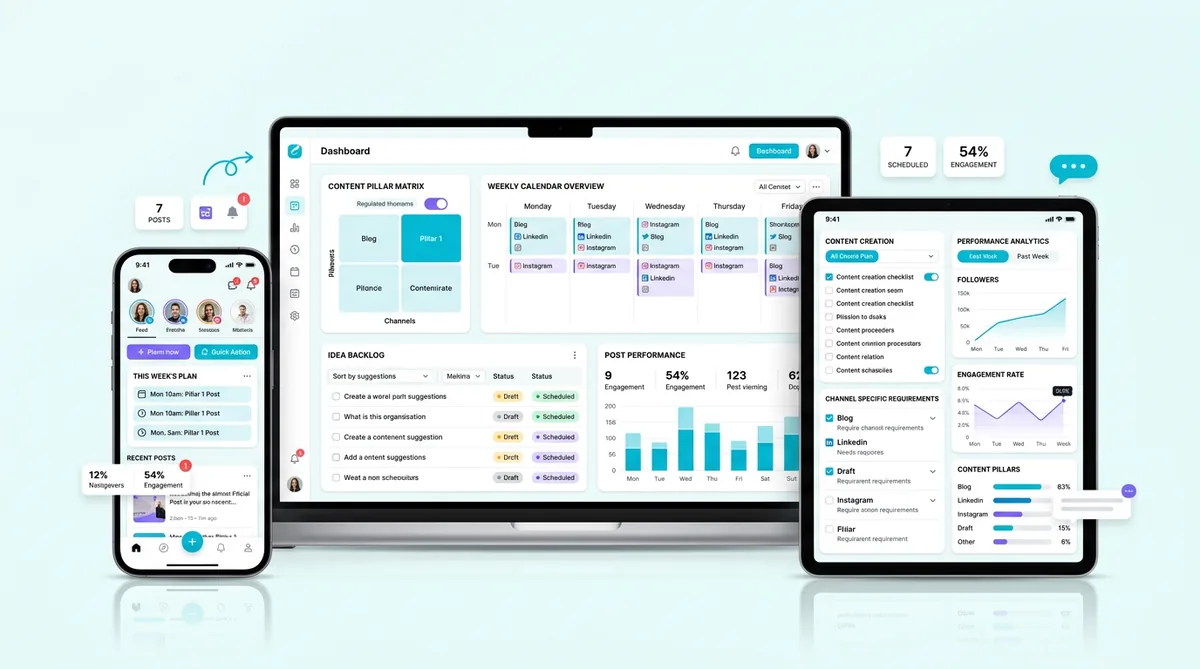
When you can post about absolutely anything, you usually end up posting about nothing. A Content Pillar Matrix forces you to cross your core topics with specific formats, giving you an infinite grid of distinct post ideas.
The Psychology Behind Categorized Content Pillars
Limiting your choices reduces decision fatigue. But there is a deeper algorithmic reason this works. Social platforms operate on semantic categorization. Algorithms observe what you post, figure out what category you belong in, and find the audience that likes that category.
If you post a fitness tip on Monday, a crypto rant on Tuesday, and a marketing trick on Wednesday, the algorithm has no idea who you are. Establishing three strict pillars signals your topical authority. The algorithm learns your boundaries, which drives higher retention and signals relevance.
Real-World Example: The B2B SaaS Matrix Blueprint
Imagine you run a B2B SaaS account. Your three pillars might be Industry News, Founder How-Tos, and Company Culture.
You map those against formats: Carousels, Text-Only, and Short Video. Suddenly, you aren't guessing what to post. A "Founder How-To" crossed with "Carousel" becomes a 5-slide breakdown of your morning routine. "Industry News" crossed with "Short Video" becomes a 30-second hot take on a recent software acquisition. The ideas practically write themselves.
Action Step: Map Your 3 Core Pillars Today
Open a notebook right now. Write down three topics you could talk about for an hour with zero preparation. Those are your pillars. Cross out everything else. For the next month, if an idea doesn't fit into one of those three buckets, you throw it away.
Theme Your Days to Master Batch Creation
Now that you know what to create, you have to fix how you create it. Moving from planning to production is where most creators lose their momentum.
Context Switching vs. Deep Work Efficiency
Writing requires logic and structure. Editing video requires timing and visual rhythm. These are completely different cognitive states. When you theme your days around a single task type, you enter deep work.
In practice, batching similar tasks reduces total production time by about 40 percent. You get faster at editing your third video of the day because your brain is already warmed up to the software interface and the workflow.
The 'Creation vs. Curation' Schedule in Practice
Here is what a realistic themed schedule looks like for a solo creator.
Monday is for scriptwriting and ideation. Tuesday is entirely dedicated to filming on camera. Wednesday is for editing clips and sourcing B-roll. Thursday is for writing captions and scheduling the posts in your software. Friday is reserved for community engagement and curating ideas for next week. You never film on a writing day, and you never write on an editing day.
Action Step: Time-Block Your Production Flow
Look at your calendar. Block out two hours this coming Monday simply titled "Writing." Do not open a video editor during that block. Guard that time like a paid client meeting.
Deploy the 'One-to-Many' Repurposing Framework
You do not need seven new ideas to post seven times a week. You need one good idea, chopped up and served in different packages.
Maximizing Algorithmic Reach with Minimal Effort
Native algorithms are incredibly selfish. LinkedIn wants users to stay on LinkedIn. Twitter wants users reading threads. If you just post a link to your blog everywhere, platforms suppress your reach.
Repurposing works because it satisfies the platform's desire for native formatting without requiring net-new ideas from you. You extract the core value and wrap it in the specific format that platform's algorithm currently favors. If you struggle with the opening lines of these variations, a solid social media hook system keeps your audience reading without you having to reinvent the wheel.
The Hero Asset: From Newsletter to 5 Social Posts
Take one deep-dive newsletter you wrote last month. That is your Hero Asset.
First, pull out the three main subheadings and turn them into a snappy Twitter thread. Next, take that exact same text and put it onto five contrasting backgrounds for an Instagram carousel. Grab your phone and record yourself summarizing the newsletter's intro for a TikTok. Finally, pull two punchy, standalone sentences from the conclusion and schedule them as text-only LinkedIn updates. One original idea just filled your entire work week.
Action Step: Slice Your Best Long-Form Content
Find your most popular blog post, YouTube video, or podcast episode from the last six months. Open a blank document and write out four micro-pieces you can extract from it today. Do not write anything new. Just copy, paste, and trim.
The 14-Day Feedback Loop: Testing Your Content Plan
A content plan is just a hypothesis until the market reacts to it.
Once you schedule your week, you need to step back and let the data accumulate. Wait 7 to 14 days before making any judgments. Look closely at your metrics, but ignore the vanity ones. Likes just mean someone smiled. Saves and shares mean someone found your content valuable enough to bookmark or send to a friend.
Review which formats drove the most saves. If your carousels are outperforming your videos, adjust your matrix for the following week. If tracking this data across multiple networks is eating up your Friday afternoons, you might want to look into SocialCal to handle the heavy lifting of cross-platform analytics and scheduling.
4 Content Planning Mistakes Killing Your Consistency
Even with a solid matrix, I see creators abandon their systems by week three. Here is why most people still don't get results when figuring out how to plan a week of social media content.
Planning Without a Measurable Business Goal
Creating content just to say you posted today is a trap. If your posts aren't tied to an outcome—like driving newsletter signups, increasing inbound DMs, or selling a template—you will eventually lose motivation. Every week needs a primary call to action.
Ignoring Platform-Specific Nuances
Copy-pasting the exact same image and caption across LinkedIn, Instagram, and X is a massive mistake. What feels professional on LinkedIn feels incredibly stiff on TikTok. You have to adapt the tone to the room you are standing in.
Overcomplicating the Production Value
Letting perfect be the enemy of done destroys consistency. You do not need cinema-quality lighting and a three-camera setup to film a 15-second tip. A clean background, a smartphone, and decent audio will outperform highly produced corporate fluff every single time.
Forgetting to Allocate Time for Post Engagement
Scheduling your content is only half the job. Treating your accounts as "set it and forget it" kills your algorithmic momentum. The first 60 minutes after a post goes live are critical. If you aren't in the comments replying to your audience, the algorithm assumes the post is dead and stops pushing it.
From Manual Hustle to Repeatable Output
The real problem isn't knowing what a good piece of content looks like. It is producing enough quality variations consistently without spending an hour on every single post. Even with a brilliant pillar matrix, executing this manually on a chaotic spreadsheet eventually breaks down.
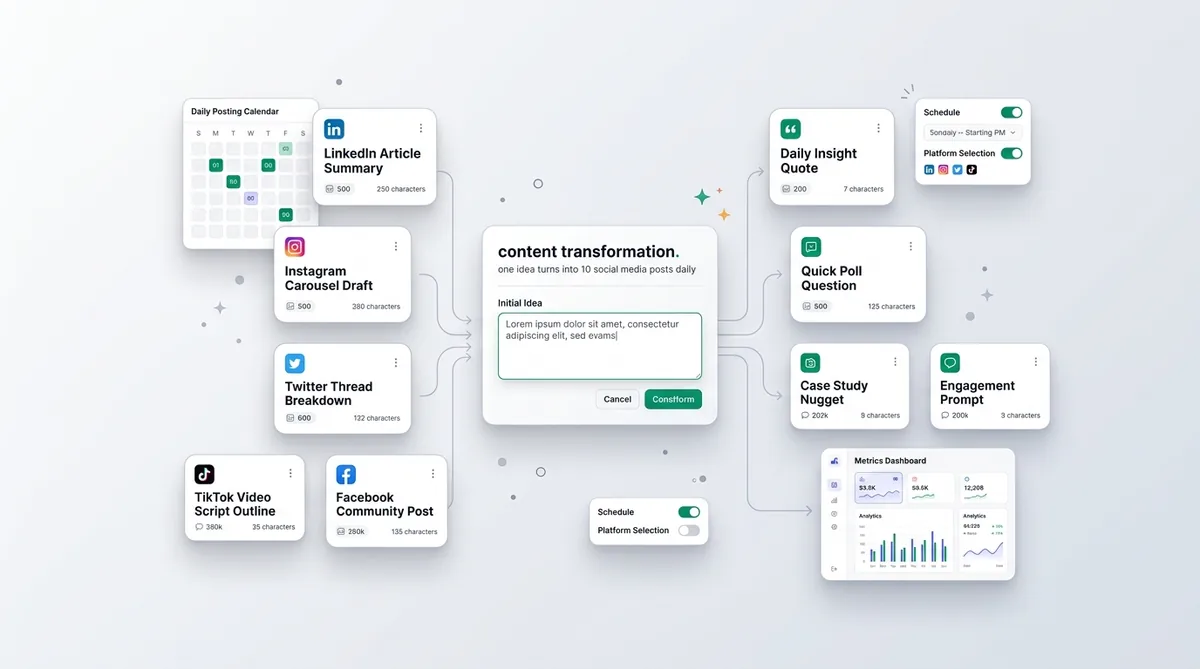
Consistent, repeatable output is the actual bottleneck. That is why smart creators rely on a content generator to handle the formatting heavy lifting. You simply drop a raw idea—even just a six-word thought or some messy notes—choose your target platform, and it immediately outputs structurally sound content adapted for LinkedIn, TikTok, or Twitter. You get platform-ready posts in seconds, tweak the final tone, and hit publish.
Frequently Asked Questions About Content Planning
How many times a week should I post?
Quality frequency matters more than raw volume. Posting 3 to 4 highly valuable pieces a week will always outperform 7 rushed, generic posts. Pick a number you can sustain for six months without burning out.
What is the best day to plan content?
Most creators prefer Friday afternoons or Monday mornings. The specific day matters less than the consistency of the habit. Pick a low-energy block in your week and fiercely protect it for your planning routine.
How far in advance should I plan social media?
Planning one to two weeks in advance is the sweet spot. It gives you enough runway to breathe, but keeps you agile enough to react to sudden industry news or jumping on a fast-moving trend.
Should I use a spreadsheet or a software tool?
Start with a simple spreadsheet to learn the mechanics of batching. Once you are consistently publishing and your manual workflow feels tedious, upgrade to a dedicated scheduling tool to automate the repetitive tasks.
The Golden Rule of Social Media Planning
Create 10x More Content
Transform one idea into dozens of engaging posts for every platform.
Try Content GeneratorConsistency will always beat intensity. A simple, "good enough" content plan that you execute every single week will consistently outshine a complex, overly engineered strategy that you abandon after a month. Stop overthinking the calendar, pick your three pillars, and just start batching.