Stop the Scroll: Why Storytelling Caption Templates Are Your Engagement Secret Weapon
Look, we've all been there.
Jump to a section:
- Stop the Scroll: Why Storytelling Caption Templates Are Your Engagement Secret Weapon
- Quick Answer: The Storytelling Caption Swipe File
- How to Customize These Storytelling Templates for Your Brand
- The Transformation Arc: Templates for Growth and Lessons
- The Relatability Bridge: Templates That Build Community
- The Social Proof Narrative: Templates for Client Wins
- 5 Mistakes That Kill Your Storytelling Engagement
- Scaling Your Narrative: Moving from Manual Writing to Repeatable Systems
- Frequently Asked Questions About Storytelling Captions
- Summary: Start Turning Your Posts into Stories Today
You spend 45 minutes crafting what you think is a masterpiece. You hit publish. Twelve likes. Half of them are from your cousins!
Then you watch another creator post a slightly blurry photo with a story about dropping their coffee, and it pulls 4,000 likes and 300 comments. You start wondering if the algorithm just hates you. It doesn't. You are simply writing announcements while everyone else is writing stories.
People don't log onto social media to read marketing brochures. They log on to be entertained, to feel understood, or to learn how someone else solved a problem they currently have. That is why having a library of proven storytelling caption examples is the fastest way to break out of single-digit engagement. Instead of staring at a blinking cursor hoping inspiration strikes, you start with a proven psychological framework and plug your own experiences into it.
Quick Answer: The Storytelling Caption Swipe File
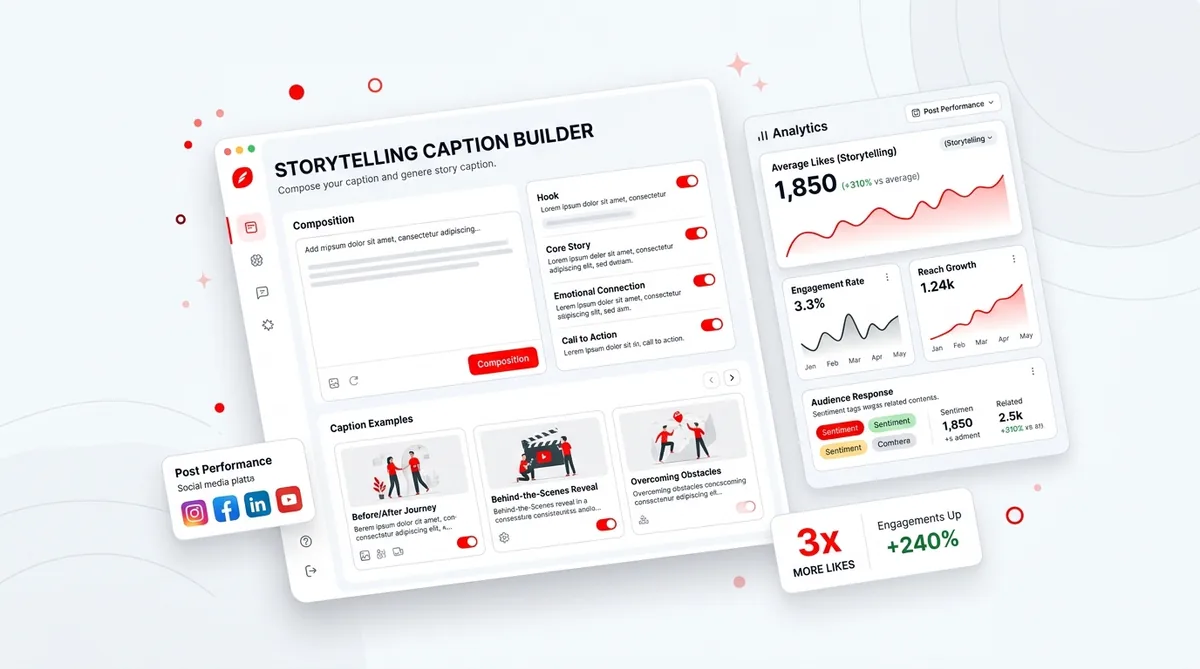
Storytelling caption examples are structured copywriting frameworks designed to hook attention, build emotional resonance, and drive algorithm-friendly engagement. By organizing your posts into a relatable "Before vs. After" arc or a "Vulnerable Mistake" narrative, creators and brands can consistently generate 3x more comments and saves without starting from scratch every time.
How to Customize These Storytelling Templates for Your Brand
Great storytelling isn't about being dramatic. It's about structure.
The algorithms across every major platform reward one primary metric above all else: dwell time. According to official platform guidance, the longer someone stops their scroll to read your caption, the more the system pushes that content to a wider audience. To keep people reading, your stories need to follow a three-part framework.
First, you need the high-stakes hook. This is where you address the reader's current reality. If you want to write captions that sell or simply build community, your first line must create an immediate curiosity gap.
Next comes the vulnerable middle. This is the messy part of the story. You describe the failed attempts, the frustration, or the turning point. This builds trust because nobody relates to perfection. Finally, you end with a strategic call-to-action that tells the reader exactly what to do next based on the emotional momentum you just built.
The Transformation Arc: Templates for Growth and Lessons
Transformation stories are the bread and butter of personal branding. They work because humans are biologically wired to pay attention to survival and success cues.
The 'Before vs. After' Success Story Template
This template showcases a massive shift in results. It works because it contrasts the pain of the "before" with the relief of the "after," making your current advice highly credible.
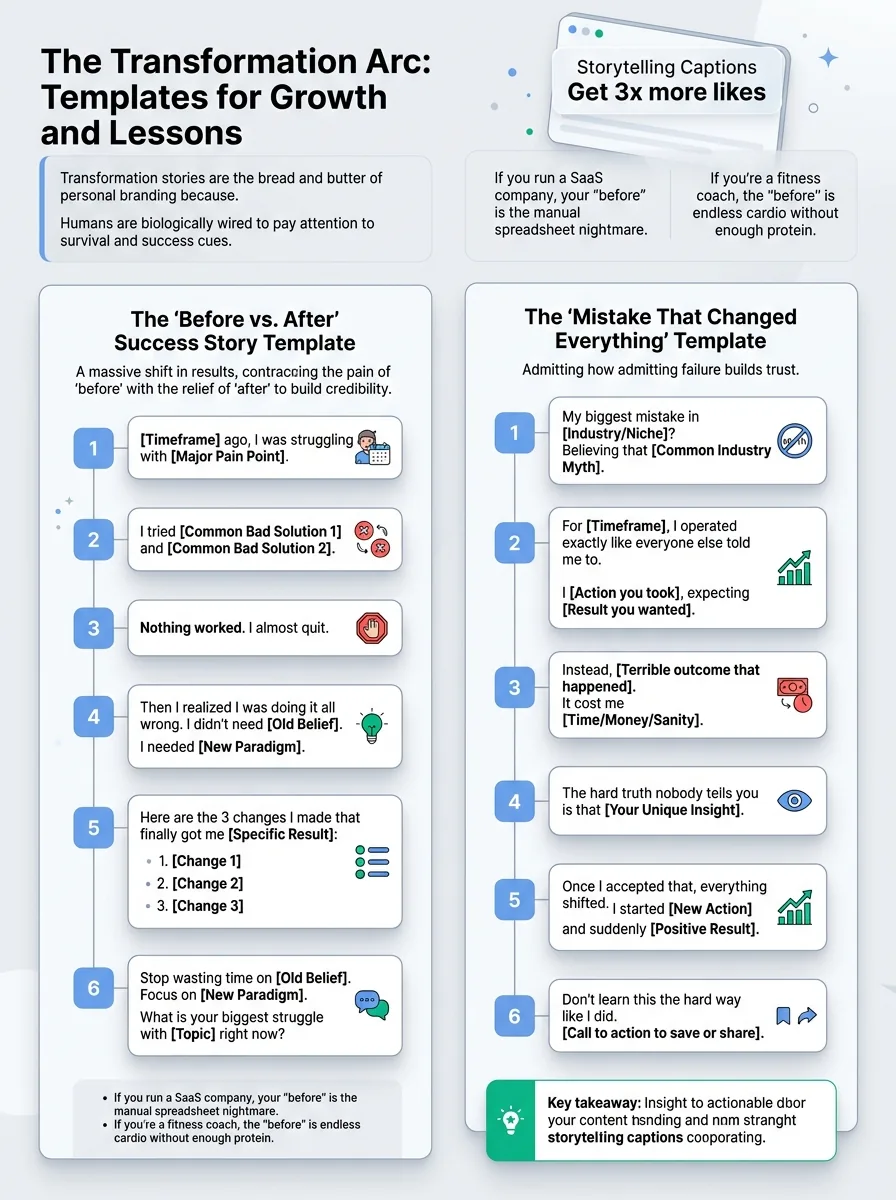
The Structure:
- Template
[Timeframe] ago, I was struggling with [Major Pain Point].
I tried [Common Bad Solution 1] and [Common Bad Solution 2].
Nothing worked. I almost quit.
Then I realized I was doing it all wrong. I didn't need [Old Belief]. I needed [New Paradigm].
Here are the 3 changes I made that finally got me [Specific Result]:
[Change 1]
[Change 2]
[Change 3]
Stop wasting time on [Old Belief]. Focus on [New Paradigm].
What is your biggest struggle with [Topic] right now?
If you run a SaaS company, your "before" is the manual spreadsheet nightmare your users face. If you're a fitness coach, the "before" is doing endless cardio without eating enough protein.
The 'Mistake That Changed Everything' Template
Vulnerability is a hack for trust. When you admit a failure, readers lower their defensive shields.
The Structure:
- Template
My biggest mistake in [Industry/Niche]? Believing that [Common Industry Myth].
For [Timeframe], I operated exactly like everyone else told me to.
I [Action you took], expecting [Result you wanted].
Instead, [Terrible outcome that happened].
It cost me [Time/Money/Sanity].
The hard truth nobody tells you is that [Your Unique Insight].
Once I accepted that, everything shifted. I started [New Action] and suddenly [Positive Result].
Don't learn this the hard way like I did. [Call to action to save or share].
The Relatability Bridge: Templates That Build Community
Not every post needs to be a hero's journey. Sometimes you just need to make people nod their heads and think, "Wow, I thought I was the only one."
The 'Unpopular Opinion' Conversation Starter
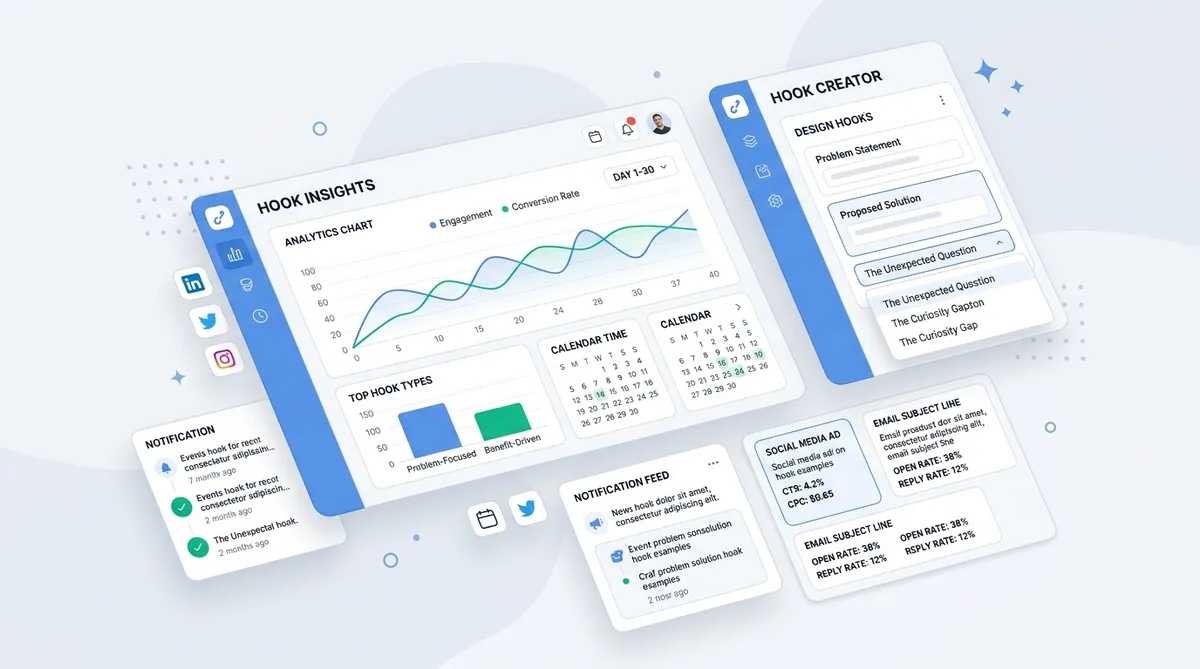
This template challenges industry norms to spark debate. Comments drive reach, and nothing drives comments like a well-reasoned contrarian take. If you need inspiration for the first line, testing different hook formulas can help you find the perfect angle.
The Structure:
- Template
Unpopular opinion: [Standard advice] is actually ruining your [Goal].
Everyone tells you to do it. But here is what happens in reality.
[Negative consequence 1].
[Negative consequence 2].
If you want real results, you have to do the exact opposite.
[Your controversial but effective method].
Do you agree or am I crazy? Let me know in the comments.
The 'Day in the Life' Transparency Template
People love behind-the-scenes content. A recent Sprout Social data report shows that consumers strongly prefer brands that highlight their creators and employees authentically. Focus on the messy middle of building a business.
The Structure:
- Template
What a day of running a [Your Business Type] actually looks like (no aesthetic filters):
[Time]: [Mundane or difficult task]
[Time]: [Small win or normal task]
[Time]: [The unexpected fire you had to put out]
Social media makes this look easy. It's not. But moments like [Specific rewarding moment] make the chaos worth it.
What did your day look like today?
The Social Proof Narrative: Templates for Client Wins
Generic testimonials are boring. Nobody wants to read "Working with Sarah was great." They want a story where the customer is the hero and your product is the magical sword they used to slay the dragon.
The 'Overcoming the Main Obstacle' Case Study
The Structure:
- Template
When [Client Name] came to me, they were ready to give up on [Goal].
They had the drive. They had the skills. But [Specific Obstacle] was holding them back.
We didn't do a massive overhaul. We just tweaked one critical thing.
We implemented [Your Framework/Product feature].
Within [Timeframe], the shift was undeniable. They went from [Starting point] to [End point].
The lesson? You don't lack motivation. You likely just lack the right system.
Ready for your own shift? [Link to offer].
The 'Unexpected Result' Spotlight Template
This highlights a non-obvious benefit of your product through a narrative lens.
The Structure:
- Template
We built [Product/Service] to help people [Primary Benefit].
But last week, a user sent us a message that completely surprised us.
They weren't just using it for [Primary Benefit]. They were using it to [Unexpected Benefit].
Because they no longer had to worry about [Pain Point], they finally had the time to [Amazing Outcome].
Sometimes the best feature isn't what the product does. It's what the product allows you to do.
How are you using [Product/Service]? Drop it below.
5 Mistakes That Kill Your Storytelling Engagement
Most creators try storytelling once, see terrible metrics, and go back to posting generic quotes. Here is why most people still don't get results when they write narrative captions.
Stacking 3 ideas in one opening line. If your first sentence is "I've been thinking about marketing, mindset, and how to scale my agency lately," the reader is already gone. Pick one hyper-specific focus per post.
Burying the emotional payoff at the bottom of a 'Read More' click. If the first 120 characters don't open a loop, nobody is expanding that caption. Your hook has to sit above the fold.
Making the story about the brand instead of the reader. You might be the main character in your head, but to the reader, you are just a guide. Frame your personal stories around a lesson the reader can immediately apply to their own life.
Copying viral templates without matching audience intent. If your audience follows you for quick Excel tips, suddenly posting a 400-word vulnerable story about your childhood trauma will cause massive unfollows. Match the depth of the story to the expectations of your audience.
Using vague claims like "this changed everything." Vague claims feel like clickbait. Specificity builds trust. Instead of "it changed everything," write "it cut my editing time by 4 hours a week."
Scaling Your Narrative: Moving from Manual Writing to Repeatable Systems
The real problem isn't knowing what a good storytelling structure looks like. You understand the frameworks now.
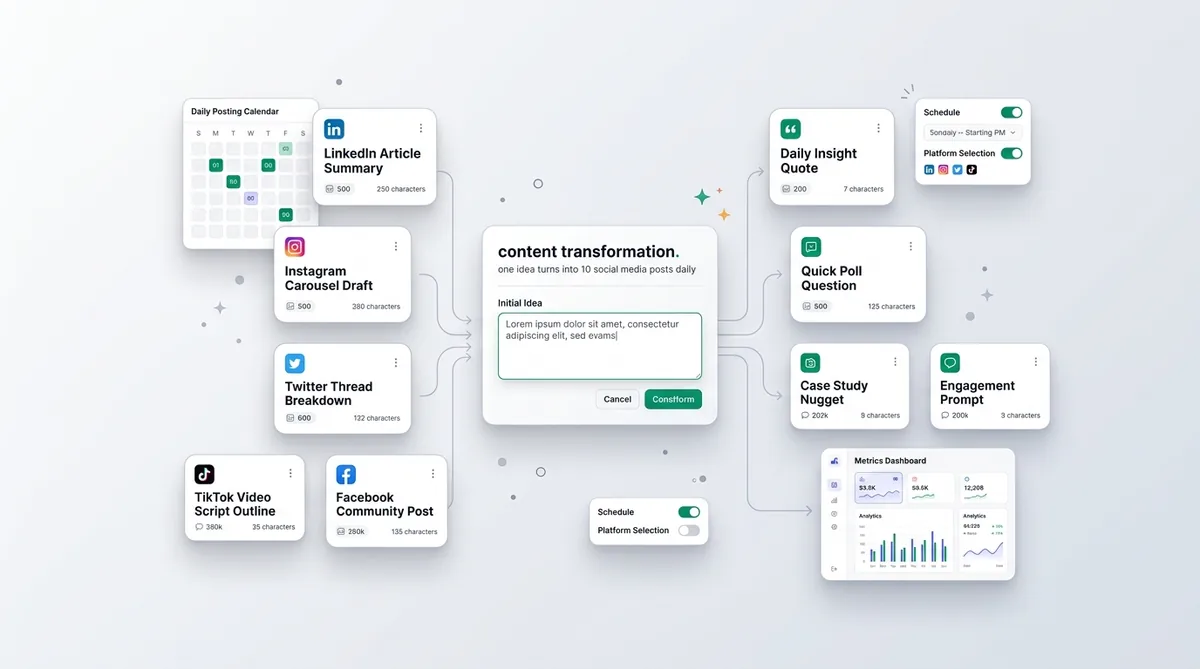
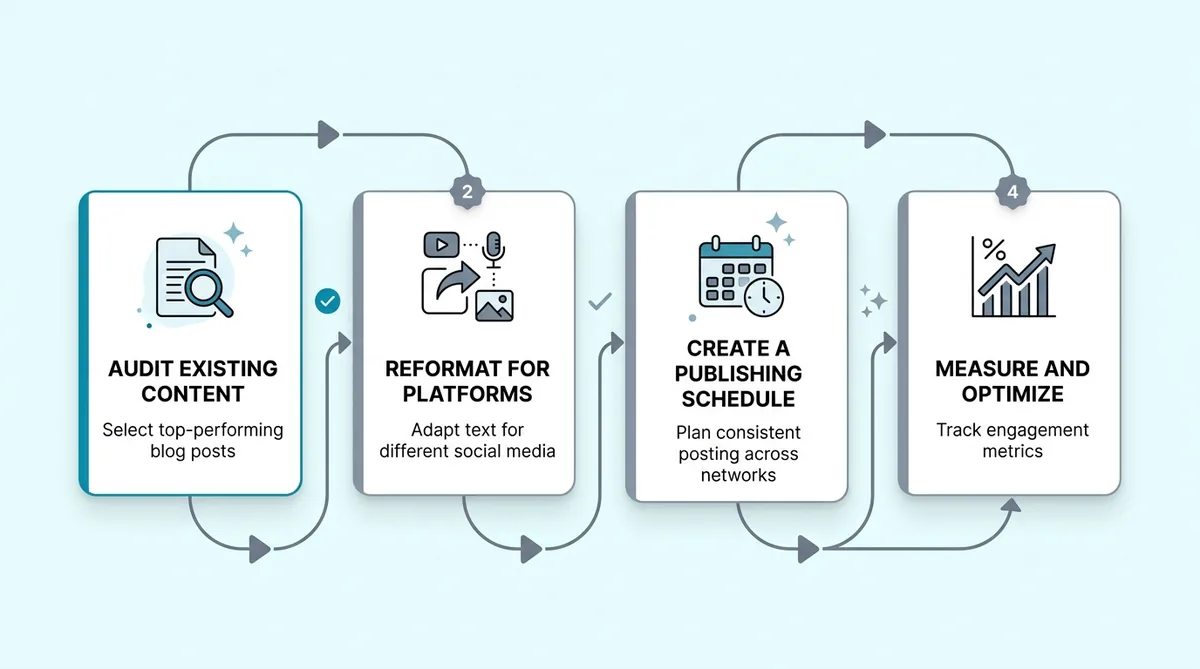
The actual bottleneck is producing enough quality variations consistently without spending an hour per post. When you manage multiple platforms, trying to manually adapt a single story into a punchy Twitter thread, an Instagram carousel caption, and a professional LinkedIn post is a fast track to burnout.
That is why smart creators stop writing entirely from scratch and use dedicated systems to generate the heavy lifting. By using a tool like the SocialOrbit Caption Generator, you simply input your post topic, select your platform and desired tone, and let it generate multiple caption options complete with hooks, body copy, and hashtags. You then pick the best variation, tweak it with your personal voice, and hit publish.
Start creating viral content today
Join other creators who've transformed their social media presence with AI-powered content.
Start creating nowFrequently Asked Questions About Storytelling Captions
How long should a storytelling caption be?
Caption length depends entirely on the platform and the visual context. On Instagram, 100 to 150 words is often the sweet spot for a micro-blog format. On LinkedIn, you can stretch to 200-300 words if the formatting includes plenty of white space. The rule is simple: make it as long as it needs to be to tell the story, and not one word longer.
Do I need an aesthetic photo for a long caption to work?
Not necessarily. In fact, raw, unfiltered photos often perform better with vulnerable storytelling captions because the visual matches the authentic tone of the text. Highly polished graphics can sometimes make a genuine story feel like an ad.
How do I know if my storytelling is actually working?
Look past the likes. The true indicators of effective storytelling are profile visits, saves, and the depth of the comments. If people are leaving multi-sentence comments sharing their own similar experiences, your story worked.
Summary: Start Turning Your Posts into Stories Today
People connect with people, not perfectly polished marketing copy. Pick just one of the storytelling caption examples above, fill in the blanks with your own experience, and use it for your next post. You will be shocked at how quickly your audience leans in when you finally stop selling and start sharing.
Write Captions That Get Engagement
Generate scroll-stopping captions that drive likes, comments, and shares.
Try Caption Generator