The 5-Second Resume: Why Your Instagram Bio Is the Ultimate Creator Bottleneck
You just had a Reel hit 50,000 views. Your notifications are blowing up. People are clicking over to your profile to see who you are. But your follower count? Barely moving.
Jump to a section:
- The 5-Second Resume: Why Your Instagram Bio Is the Ultimate Creator Bottleneck
- How to Write an Instagram Bio for Creators: The 5-Minute Framework
- Why Summarizing Your Personal Brand Is Surprisingly Difficult
- Strategy 1: The 'Who + Do' Value Proposition
- Strategy 2: Using Micro-Authority and Social Proof
- Strategy 3: Engineering a Frictionless Call to Action (CTA)
- The 14-Day Bio Audit: How to Iterate and Measure Success
- Why Most People Still Don't Get Results: 5 Bio Mistakes That Kill Growth
- The Efficiency Gap: Manual Tweaks vs. Scalable Branding
- Frequently Asked Questions About Instagram Bios
- Clarity Wins Over Cleverness: Final Thoughts
Sound familiar? Most creators blame the algorithm for slow growth. In practice, the problem is usually sitting right at the top of their profile.
Your Instagram bio is the ultimate bottleneck. It is the final gatekeeper between a passive viewer and a long-term follower. You have exactly 150 characters to convince a stranger that your content is worth a permanent spot in their daily feed.
If they have to guess what you do, they bounce. If your bio sounds exactly like 400 other creators in your niche, they bounce. Nailing this tiny piece of real estate is mandatory for growth.
How to Write an Instagram Bio for Creators: The 5-Minute Framework
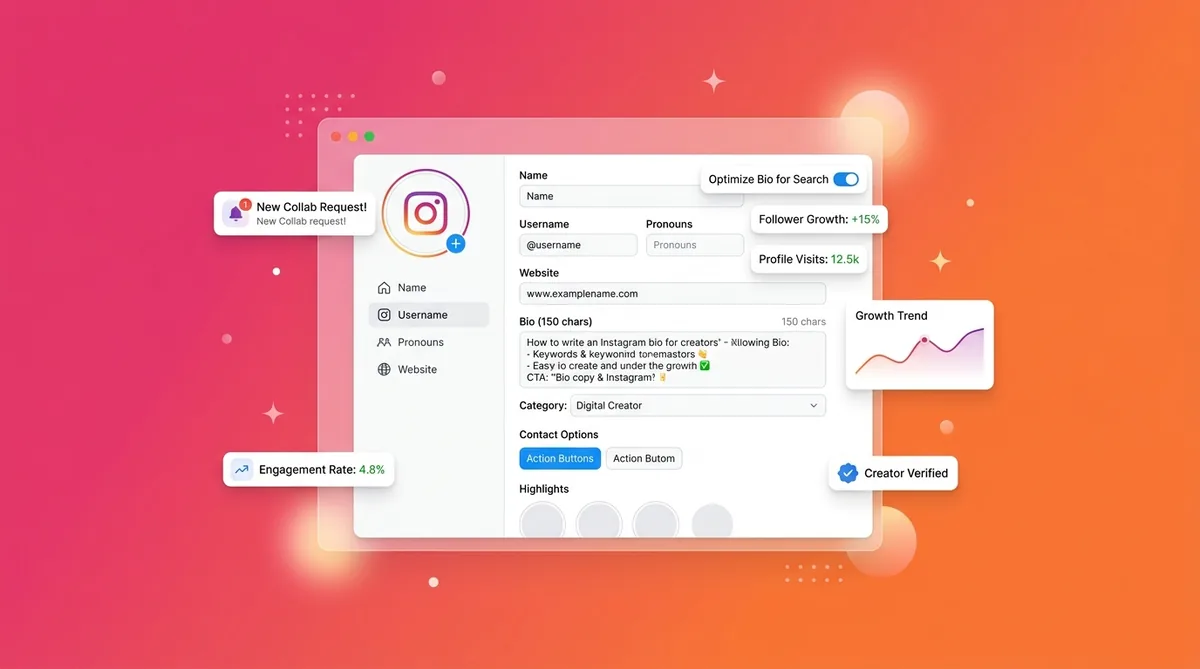
To master how to write an Instagram bio for creators, you need to combine four specific elements within 150 characters. Start with a clear identity statement, add a layer of micro-social proof, state a specific value proposition, and finish with a single, frictionless call to action. Prioritize clarity over cleverness so visitors immediately know exactly what's in it for them.
That is the featured-snippet answer. Now let me show you exactly how to build it.
Why Summarizing Your Personal Brand Is Surprisingly Difficult
Summarizing yourself is agonizing. I see creators stare at their profile settings for hours, typing and deleting the same three words.
This happens because of the Curse of Knowledge. You are intimately aware of every nuance of your brand. You know you are a videographer, but you also consult on YouTube strategy, sell LUTs, and have a weekly newsletter about creative burnout.
Trying to cram all of that into a few lines creates a messy, unfocused bio. Cold audiences do not care about the complexities of your business model yet. They only care about one thing: Is this person relevant to me?
Strategy 1: The 'Who + Do' Value Proposition
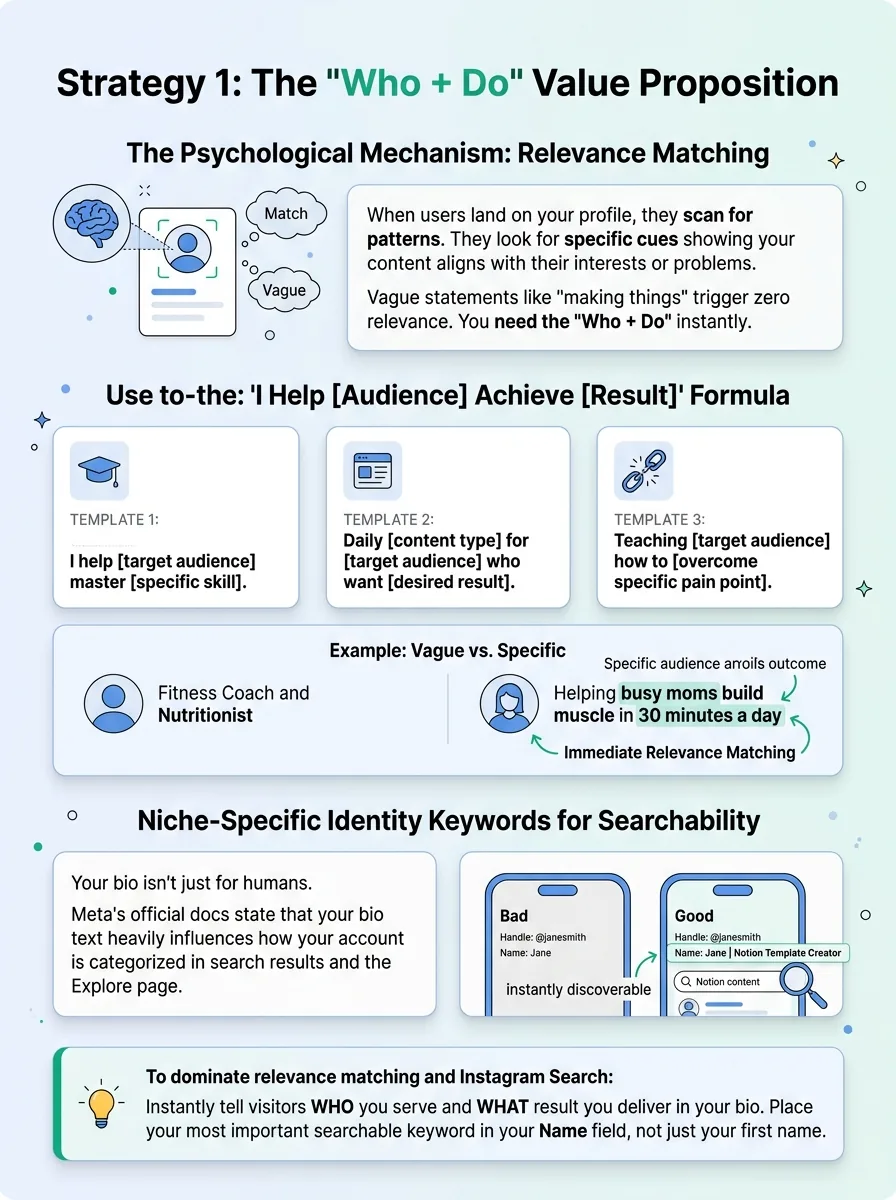
Let's talk about the psychological mechanism of 'Relevance Matching'. When a user lands on your profile, their brain is scanning for patterns. They are looking for specific cues that indicate your content aligns with their interests or problems.
If they see vague statements like "making things" or "living my best life," their brain registers zero relevance. You need to give them the 'Who + Do' instantly.
Using the 'I Help [Audience] Achieve [Result]' Formula
The fastest way to establish relevance is to make your bio about the audience, not about you. You do this by synthesizing your complex niche into one punchy outcome.
- Template 1
I help [target audience] master [specific skill].
- Template 2
Daily [content type] for [target audience] who want [desired result].
- Template 3
Teaching [target audience] how to [overcome specific pain point].
Instead of saying "Fitness Coach and Nutritionist," say "Helping busy moms build muscle in 30 minutes a day." The specific audience (busy moms) and specific outcome (muscle in 30 mins) trigger immediate relevance matching.
Niche-Specific Identity Keywords for Searchability
Your bio isn't just for humans. It is also raw data for the algorithm. According to Meta's official documentation on how Instagram Search works, the text in your bio heavily influences how your account is categorized in search results and the Explore page.
Put your most important searchable keyword right in your Name field. If your handle is @janesmith, your Name field shouldn't just be "Jane". Make it "Jane | Notion Template Creator". This makes you instantly discoverable when users search for Notion content.
Strategy 2: Using Micro-Authority and Social Proof
Once a user knows you are relevant, their brain immediately asks the next question: Are you credible?
This is where 'Social Validation' comes in. Hitting the "Follow" button requires a tiny bit of psychological friction. Using external markers of success reduces that friction because it outsources the trust-building. If other people trust you, the new visitor feels safer doing the same.
Quantifying Your Impact with Hard Numbers
Generic claims like "expert marketer" mean nothing. Hard numbers trigger the brain's pattern-recognition system. They feel tangible and scannable.
If you have an email list, say "Read by 12,000+ creators weekly." If you teach a course, mention "500+ students." If you are relatively new but have deep industry experience, use "7 years in B2B sales." Specific numbers pull the eye and instantly communicate authority.
The 'As Seen In' or Award-Winning Badge
You can also borrow authority from established brands. If you've been featured on a prominent podcast, written for a major publication, or collaborated with a known brand, put it in the bio.
A simple "Featured in @Forbes" or "Partnered with @Adobe" does heavy lifting. It acts as a cognitive shortcut, proving your creator status without you having to boast.
Strategy 3: Engineering a Frictionless Call to Action (CTA)
Decision fatigue is real. If you give a user three different links and ask them to read your blog, buy your preset, and subscribe to your YouTube channel, they will do absolutely nothing.
If you spend hours figuring out how to write captions that sell, sending that hard-earned traffic to a confusing link tree ruins the entire conversion funnel.
The Power of One: Choosing Your Primary Conversion Goal
You need a single point of focus. Look at your creator business right now and determine the most valuable action a follower can take. Is it joining your newsletter? Buying a $20 digital product? Booking a consulting call?
Pick one. Your bio CTA should point to that one specific thing. "Get my free hook templates" performs drastically better than a generic "My Links."
Using Action Verbs and Directional Emojis
Tell the user exactly what to do. Use strong action verbs like "Grab," "Download," "Join," or "Read."
Pair this with visual cues. A simple downward pointing emoji (👇) at the end of your bio physically guides the user's eye to the link. It seems basic, but in practice, visual direction increases click-through rates by removing the cognitive load of finding the next step.
The 14-Day Bio Audit: How to Iterate and Measure Success
A bio is never finished. It is a working hypothesis. Set a calendar reminder every 14 days to audit your profile performance.
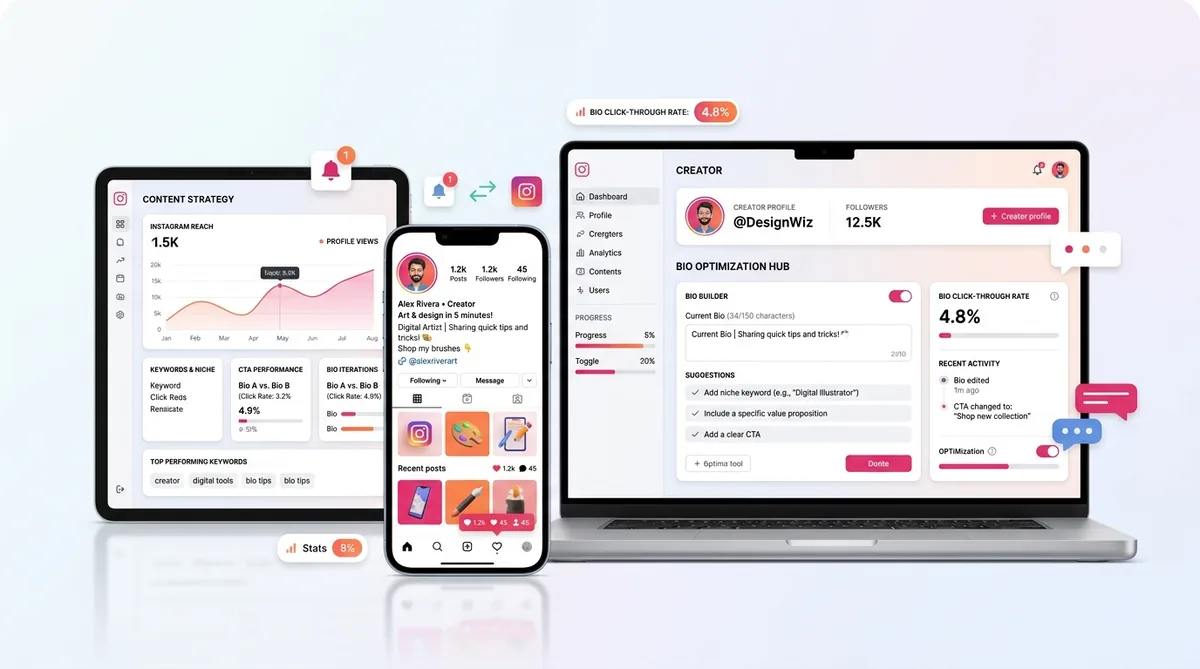
Check two specific metrics in your Professional Dashboard. First, look at Profile Visits versus Follows. If 1,000 people visit your profile but only 10 follow you, your bio is failing to convert. Second, check your external link clicks. If your link clicks are flat, your CTA isn't compelling enough.
Test one variable at a time. Change the first line of your bio, wait 14 days, and see if the conversion rate moves. Then try swapping the CTA.
Why Most People Still Don't Get Results: 5 Bio Mistakes That Kill Growth
I review hundreds of creator profiles, and the same formatting errors pop up constantly. Here are the specific mistakes keeping your conversion rate low:
- The Mystery Creator
You rely purely on aesthetics. Your bio is just an obscure quote or a single butterfly emoji. This only works if you are already famous.
- The Wall of Text
You use zero line breaks. Stacking four sentences into a massive paragraph makes it unscannable. Users will skip it entirely.
- The Vague Claim
Using phrases like "Helping you level up" or "Changing the world." Level up what? Changing the world how? Vague claims are skippable claims.
- Pointless Hashtag Clusters
Stuffing #entrepreneur #creator #hustle at the bottom of your bio looks spammy. It doesn't help you rank better; it just distracts from your link.
- The Link to Nowhere
Promising a free guide in your bio text, but linking to a generic homepage where the guide is impossible to find. Match the CTA to the landing page perfectly.
The Efficiency Gap: Manual Tweaks vs. Scalable Branding
The real problem isn't understanding what a good profile looks like. It is the friction of actually writing and optimizing these lines across every platform.
As you grow, keeping your messaging perfectly formatted for Instagram's 150-character limit, Twitter's 160-character limit, and TikTok's 80-character limit becomes incredibly tedious. Trying to manually draft and condense your achievements repeatedly leads to inconsistent branding.
That is why professional creators use dedicated tools to handle the heavy lifting. Instead of staring at a blank screen, a proper bio generator lets you input your niche, target audience, and key credentials once. It then instantly outputs multiple optimized variations tailored specifically for Instagram's exact character limits and formatting rules. You just pick the best one, update your profile, and get back to making content.
Start creating viral content today
Join other creators who've transformed their social media presence with AI-powered content.
Start creating nowFrequently Asked Questions About Instagram Bios
Should I use a Business or Creator account?
For 99% of personal brands, a Creator account is better. It gives you access to trending audio libraries that Business accounts are restricted from using due to commercial copyright rules, while still providing full analytics.
Do hashtags in my bio actually help me get discovered?
Not really. While they are clickable, they just send traffic away from your profile to a hashtag page. Stick to searchable keywords in your Name and Bio text instead.
Should I hide my category label?
If your bio is already strapped for space, hiding the category label (like "Digital Creator" or "Entrepreneur") saves visual clutter. However, leaving it visible can quickly communicate your industry, allowing you to use your 150 characters for more specific value props.
Clarity Wins Over Cleverness: Final Thoughts
Stop trying to sound like a poet and start sounding like a professional. The best bios simply state who you are, who you help, why you are credible, and what the user should do next.
Now that your profile is optimized to convert, it is time to feed the machine. Start testing out fresh content ideas for Instagram creators to drive targeted traffic straight to your new bio.
Craft a Bio That Converts
Create a compelling bio that turns profile visitors into followers.
Try Bio Generator