The Content Treadmill and the Myth of Unlimited Output
You just spent three days writing a 2,000-word masterclass of a blog post. You edit it, format the headers, hit publish, and share the link on your social channels. Then you sit back and wait for the traffic to roll in.
Jump to a section:
- The Content Treadmill and the Myth of Unlimited Output
- Quick Answer: How to Repurpose Blog Posts Efficiently
- The Context Trap: Why Standard Cross-Posting Fails
- Strategy 1: The 'Atomic Content' Extraction Method
- Strategy 2: Platform-Specific Contextualization
- The 14-Day Iterative Testing Framework
- 5 Mistakes That Kill Your Social Reach
- The Scalability Wall: Manual Effort vs. Repeatable Systems
- Frequently Asked Questions About Content Repurposing
- Summary: Focus on Distribution, Not Just Production
Nada.
Two likes, and one is from your bff. Sound familiar? It is a crushing feeling, but it is also the reality of content creation right now. Most creators exhaust themselves treating every platform as a blank canvas, starting from zero for their blog, zero for their Twitter, and zero for LinkedIn. This is a straight path to burnout.
Start creating viral content today
Join other creators who've transformed their social media presence with AI-powered content.
Start creating nowWhat nobody tells you is that your blog post isn't the finish line. It is just the raw material. If you want to stop running on the content treadmill, you have to learn exactly how to repurpose blog posts into social media posts without sounding like a spammy RSS feed.
We are going to break down a system that turns one deep-dive article into a month of highly engaging social content.
Quick Answer: How to Repurpose Blog Posts Efficiently
How to Repurpose Blog Posts into Social Media Posts
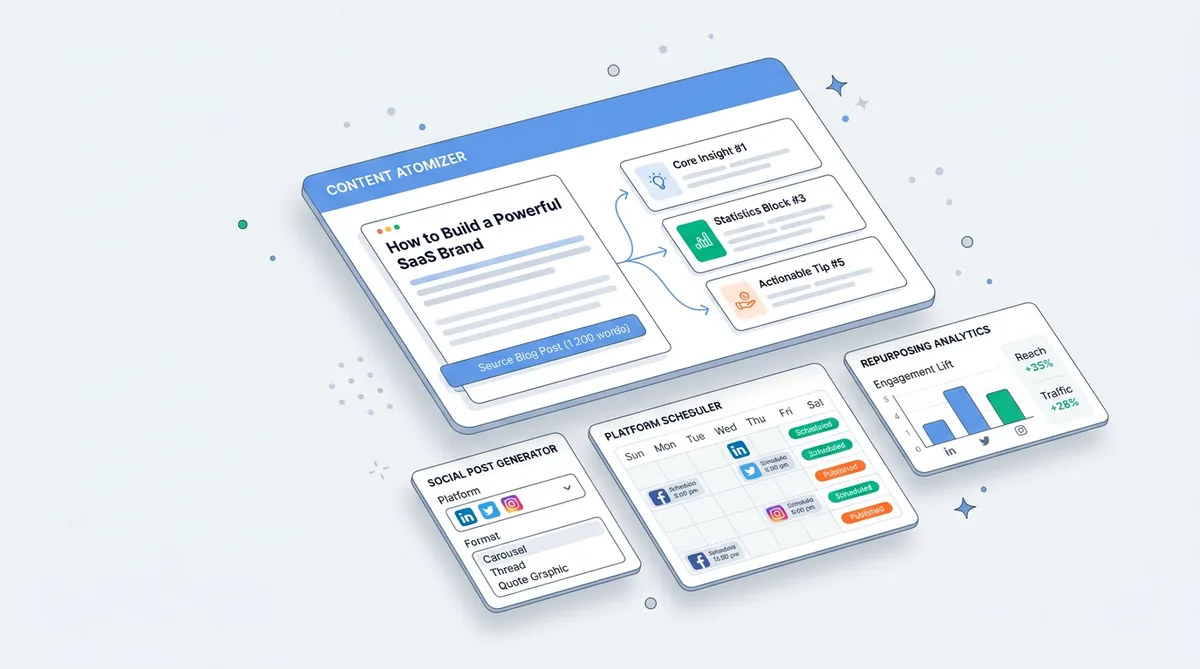
To figure out how to repurpose blog posts into social media posts, you must stop sharing external links. Instead, "atomize" your article by extracting single ideas, stats, or quotes. Then, wrap those independent nuggets in platform-native hooks tailored to the psychology of LinkedIn, X, or Instagram users.
The Context Trap: Why Standard Cross-Posting Fails
Let's talk about why dropping a link with "Read my new post" is a death sentence for your reach.
Social media algorithms have one primary directive: keep users on the app. Their business models rely on serving ads, which means attention is their currency. When you post an external link to your blog, you are actively trying to pull users away from the feed. The algorithm immediately throttles your post's visibility to prevent this.
But the problem goes deeper than just algorithms. It is about user psychology. People do not open Instagram or LinkedIn to read a 15-minute article. They open them to be entertained, inspired, or briefly educated while waiting for their coffee. When you ask them to click away, you are asking for a massive commitment of time and context. They simply won't do it.
Manual adaptation is the only way to win. You have to bring the absolute best parts of the blog directly to the feed, asking for nothing in return.
Strategy 1: The 'Atomic Content' Extraction Method
Most creators look at their blog post as a single, unchangeable block of text. You need to start looking at it like a disassembled Lego set.
This is where the mechanism of "Cognitive Load" comes into play. When a user scrolls a feed, they are processing information in fractions of a second. A dense paragraph requires high cognitive load. A single, punchy statistic or a bold three-word claim requires almost zero. By breaking your article down into its smallest viable parts, you drastically lower the friction required for a user to stop, read, and engage.
Identifying 'Value Nuggets' within Long-form Text
Scan your recent blog post. You aren't looking to summarize the whole thing. You are hunting for isolated moments of value.
Look for bold claims, counter-narrative opinions, a specific step-by-step process, or a surprising data point. If your blog post is about "7 Ways to Improve Email Open Rates," do not make a social post listing all seven. Take tip number three—the one about writing subject lines in all lowercase—and make that the entire focus of a single post.
This single-focus extraction is the foundation of turning one article into 10 independent pieces of content that actually hold up on their own.
Turning Static Data into Visual Storytelling
Once you have your isolated nugget, change its format entirely.
If your blog has a bulleted list, that is not a text post—that is a 5-slide carousel for LinkedIn and Instagram. Why? Because carousels trigger "micro-commitments." Every time a user swipes to the next slide, the algorithm registers a positive interaction, boosting the post's retention score. Take the raw text, put one clear idea per slide, and let the visual pacing do the heavy lifting.
Strategy 2: Platform-Specific Contextualization
Here is where most repurposing efforts fall flat. You cannot paste a tweet onto LinkedIn and expect it to perform. You must understand the "Mechanism of Native Intent."
Native intent refers to the psychological state of a user on a specific app. LinkedIn users want to feel productive, professional, and inspired by career growth. X (Twitter) users want rapid-fire dopamine, controversy, and sharp observations. Instagram users want visual aesthetics and fast entertainment.
You are taking the exact same value nugget from your blog, but changing the wrapper.
Mastering the LinkedIn 'Tease' and Narrative Arc
On LinkedIn, dwell time is everything. The algorithm rewards posts that make people stop scrolling and click "see more."
Take the introductory story from your blog post and rewrite it as a personal lesson. Open with a relatable failure or a contrasting statement. Format it with plenty of white space to make scanning easy. Instead of summarizing the blog, build a narrative arc that slowly reveals your core insight. The goal is to make the reader feel like they just had a one-on-one mentorship session with you.
Building Narrative Threads for X (Twitter)
X is ruthless. You have about two seconds to earn a reader's attention.
To turn a 1,500-word guide into a thread, you need to strip out all the fluff. The logic here is pacing. Your first tweet must establish a massive curiosity gap while promising specific value. This requires a dedicated social media hook system that forces readers to click the first reply. Each subsequent tweet should deliver exactly one idea, pushing them naturally to the next.
The 14-Day Iterative Testing Framework
Don't just guess what works. Test it systematically.
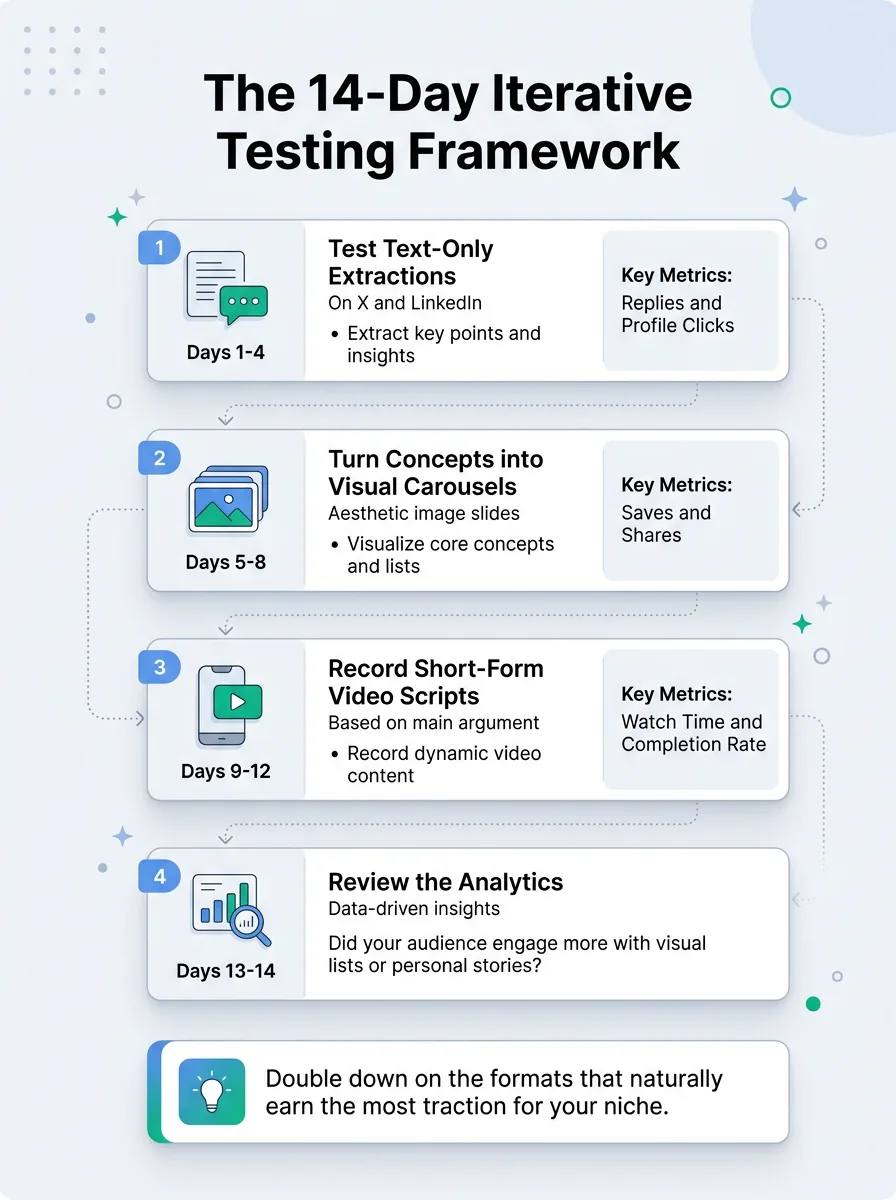
When you learn how to repurpose blog posts into social media posts, you quickly realize some formats perform better with your specific audience. Try this for the next two weeks:
Key takeaways at a glance
- Days 1-4
Test text-only extractions on X and LinkedIn. Measure replies and profile clicks.
- Days 5-8
Turn the core concepts into visual carousels. Measure saves and shares.
- Days 9-12
Record a short-form video script based on the blog's main argument. Measure watch time and completion rate.
- Days 13-14
Review the analytics. Did your audience engage more with the visual lists or the personal stories?
Double down on the formats that naturally earn the most traction for your niche.
5 Mistakes That Kill Your Social Reach
Why Most People Still Don't Get Results
I see creators attempt to repurpose content every day, and almost all of them make the same fatal errors. Check yourself against these.
1. Stacking 3 ideas in one opening line. Cognitive overload kills reach. If your hook tries to explain the entire premise of the post, readers will scroll past. Keep the opening to one single, clear thought. You can even test A/B variations of your hook before you publish.
2. Using the exact same hook across all platforms. A hook that works for a fast-paced X feed will look bizarre and out of place in a professional LinkedIn feed. Match the tone of the room.
3. Dropping naked links in the comments. Even putting the blog link in the comments is getting penalized by algorithms now. The smartest creators deliver 100% of the value natively in the post, and let interested readers find the blog via their profile link.
4. Ignoring mobile formatting. 80% of social media consumption happens on phones. If your repurposed carousel has tiny text that looked great on your desktop monitor, it will be unreadable on a mobile screen.
5. Failing to use platform-native calls to action. Telling an Instagram user to "retweet" or a LinkedIn user to "click the link in bio" shows you don't care about the platform. Tell them exactly what to do based on the app they are holding.
The Scalability Wall: Manual Effort vs. Repeatable Systems
The real problem isn't knowing what a good repurposed post looks like. You understand the strategy now. The actual bottleneck is the sheer amount of time it takes to execute.
Manually rewriting a single blog post into four tweets, two carousels, and a LinkedIn narrative can take three hours. If you are publishing weekly, that manual effort scales into a full-time job. You hit a scalability wall where you simply run out of hours in the day.
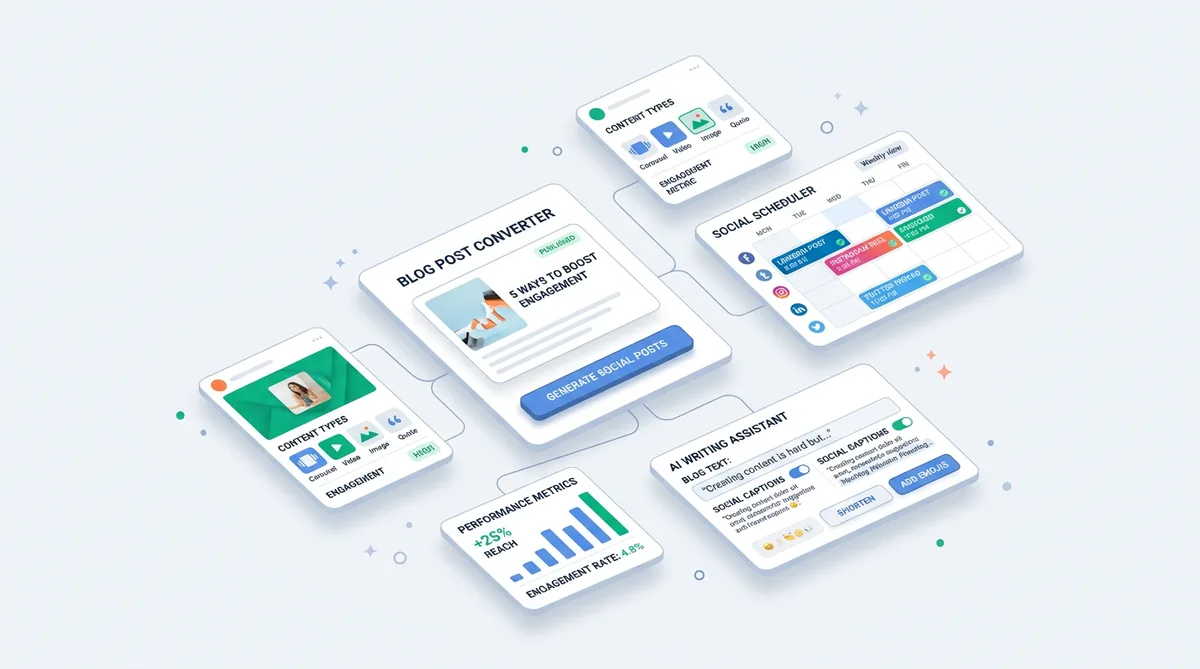
That is why smart creators move away from manual typing and adopt systematized distribution. They use a repurpose generator to do the heavy lifting. You just paste your blog text, select your target platforms like LinkedIn or X, and it automatically breaks down your original text into formatted threads, carousels, and scripts. You get multiple native variations instantly, allowing you to simply pick the best one, add your final personal touch, and publish.
Frequently Asked Questions About Content Repurposing
How soon after publishing a blog should I post to social?
Do not dump it all on day one. Space your repurposed content out. A single blog post should feed your social calendar for 3 to 4 weeks. This prevents audience fatigue.
Will Google penalize my blog for duplicate content if I post it on social?
No. Search engines understand the difference between social media platforms and standard websites. Posting snippets or even full articles on LinkedIn or X will not harm your blog's SEO rankings.
Do I need to repurpose for every single social platform?
Absolutely not. Pick the two platforms where your target audience is most active. It is much better to master native formatting on two platforms than to spread yourself thin across five.
Repurpose One Post Into 15+
Turn your best content into posts for every platform in seconds.
Try Repurpose GeneratorSummary: Focus on Distribution, Not Just Production
Creating a great blog post is only 20% of the job. The true impact of your content relies entirely on how effectively you distribute those ideas where people are actually paying attention. Stop starting from scratch every day, break your best work into atomic pieces, and respect the native context of every platform you post on.