Imagine this: you burn a Sunday batching content with three different AI social media tools, schedule it all, sit back… and your posts still flop. Low reach, weak comments, zero clicks. You start wondering if the problem is you, the tools, or the algorithm.
Jump to a section:
- How to Use These AI Social Media Templates Without Sounding Like a Robot
- Templates for Scroll-Stopping Hooks That Work Across Platforms
- Templates for Consistent Educational Posts (That AI Can Scale)
- Templates for Engagement Posts Your AI Tool Can Autogenerate Weekly
- Templates for Soft-Sell Promotions That Don’t Feel Spammy
- Platform-Specific Templates the AI Tools Handled Best
- Why Most People Still Don’t Get Results With AI Social Media Tools
- From Manual Posts to Repeatable Output: What 30 Days of Testing Revealed
- FAQ: Using AI Social Media Tools and These Templates
- Wrapping Up: Steal the Structure, Not the Soul of Your Content
Sound familiar?
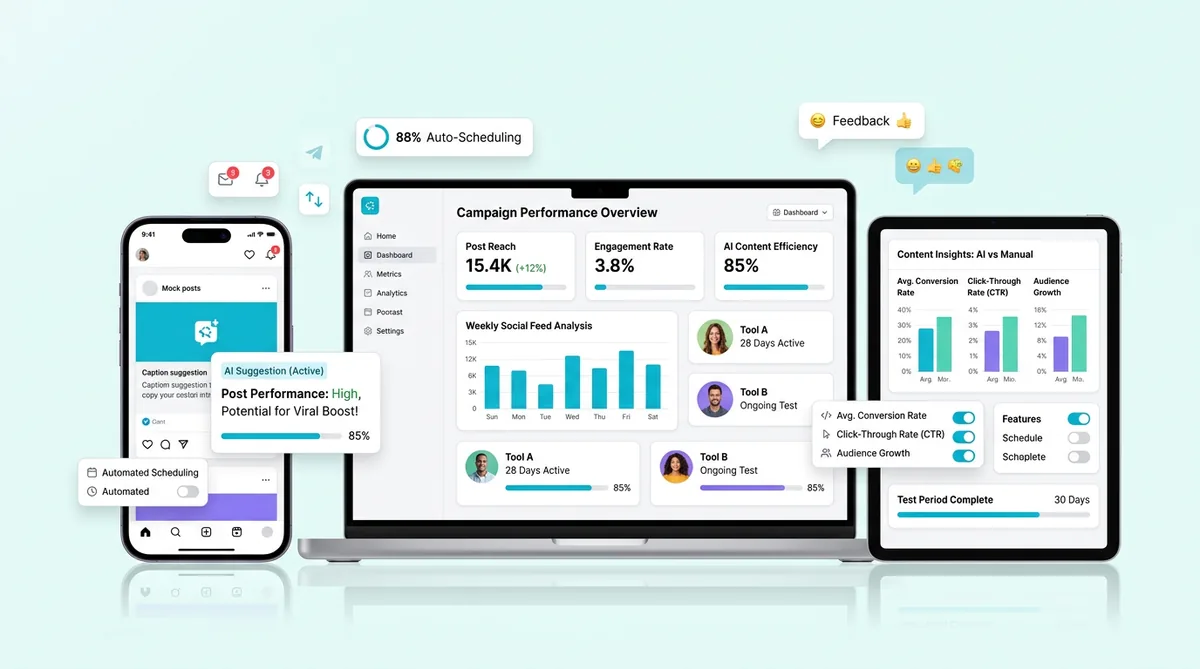
I spent 30 days testing five different AI social media tools across Instagram, LinkedIn, TikTok, and Twitter/X. What actually made a difference wasn’t the tools themselves. It was the templates and structures I fed them.
This post is the cheat sheet from that test: the exact AI-ready templates that consistently produced better hooks, saves, and replies you can steal today.
Create 10x More Content
Transform one idea into dozens of engaging posts for every platform.
Try Content GeneratorThese templates are plug-and-play post structures you feed into AI social media tools so they can generate scroll-stopping hooks, educational posts, engagement prompts, and soft-sell promos in your voice.
They’re for creators, coaches, SaaS, and agencies who want consistent content without staring at a blank page. Use them whenever you’re batching posts or turning one idea into 5–10 platform-specific pieces.
How to Use These AI Social Media Templates Without Sounding Like a Robot
Most people copy-paste AI templates and then wonder why everything sounds like LinkedIn circa 2015. The fix isn’t more prompts. It’s a tiny bit of structure before you hit “generate.”
Start With Your Brand Voice
First, give the AI some rails. Define 2–3 core traits for your voice and repeat them everywhere.
- Example
“Bold, slightly sarcastic, practical.”
- Or
“Friendly, data-driven, encouraging.”
This matters because most AI defaults to corporate-boring. If you don’t specify tone, you’ll get “As a busy professional…” posts that your audience scrolls past instantly.
Action: Write one sentence you can paste into any tool: “Write like [trait 1], [trait 2], [trait 3], avoid buzzwords, sound like a human friend.”
Swap in Your Niche-Specific Details
The same template can feel generic or laser-targeted depending on how specific you get.
Instead of: “online business owners,” say “copywriters who hate sales calls.” Instead of “my offer,” say “my 6-week podcast launch bootcamp.” Specifics trigger recognition. People stop because it sounds like you’re talking exactly to them.
Action: Before using any template below, fill these blanks for your niche: “I help [who] go from [pain] to [result] using [method].” Use those exact words inside the templates.
Pair Templates With Your Favorite AI Tool
You don’t have to switch platforms for this. In my test, I was pasting these templates into SocialBee, Buffer, native Meta scheduling, and standalone AI tools. The mechanism is the same.
Example prompt inside your AI tool:
“Use the following hook template for my niche [describe niche]. Write 5 variations in a bold, friendly tone: ‘You’re not failing at [desirable outcome]. You’re just using the wrong [method/tool/habit]. Here’s what to try instead.’”
Action: Pick one tool you already use, copy a template from this post, and ask the AI for 5–10 variations, not just one.
Always Add One Human Touch Before You Post
Here’s what nobody tells you: the difference between “AI bland” and “this feels like you” is usually 60 seconds of editing.
Swap one line for a real story from last week.
Add a screenshot, selfie, or loom thumbnail you actually recorded.
Change one generic phrase (“provide value”) into how you’d actually talk (“stop confusing people”).
Action: Before scheduling, read each post once and ask, “Did I actually say this exact sentence in real life?” If not, tweak it until the answer is yes.
Templates for Scroll-Stopping Hooks That Work Across Platforms
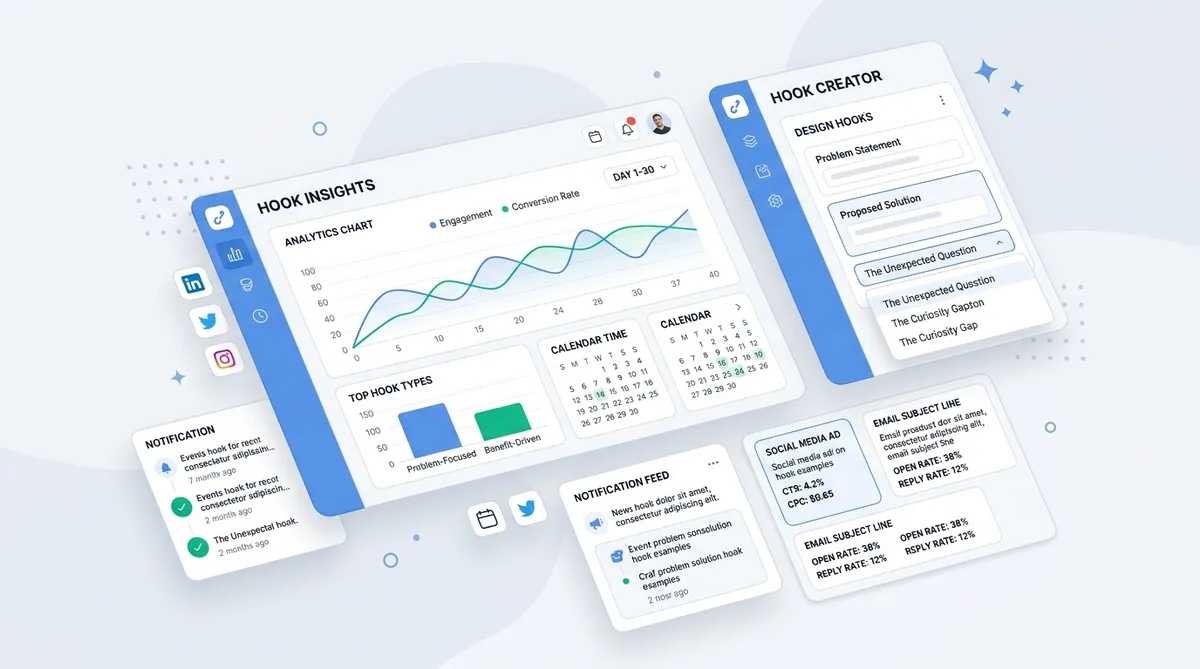
Hooks are where AI social media tools actually shine, because once you give them a structure, they can spit out endless variations. The goal is simple: get thumbs to stop and brains to go, “Wait, that’s me.”
Problem–Punch Hooks for Coaches & Consultants
Service businesses live and die on “I get your problem” energy. These hooks call out the pain, then twist the knife just a bit.
“If you’re tired of [pain], but every [common advice] thread makes it worse, read this.”
“You’re not struggling with [surface problem]. You’re struggling with [root cause] — and nobody is telling you.”
“The real reason your [business/body/mindset] isn’t changing? You’re still doing [old habit] like it’s 2019.”
“My clients think they need [what they ask for]. What they actually need is [what you deliver]. Here’s why.”
Prompt example for AI: “Write 10 Reels hooks using template 2 for business owners stuck at $10k/month who think they need more followers but actually need better offers.”
Data-Driven Hooks for SaaS & B2B
B2B brains respond to numbers, benchmarks, and clear before/after states. Algorithms love them because people save and share “useful charts” and stats.
“We analyzed [number] [type of users/accounts]. Here’s the one metric that predicted [result].”
“Most [role] think [belief]. Our data from [sample] says the opposite.”
“This tiny change cut our [metric] by [percentage] in [timeframe]. Here’s the exact breakdown.”
“If your [metric] is under [number], you don’t have a traffic problem. You have a [bottleneck] problem.”
Action: Plug your actual stats into one of these and have AI write a LinkedIn post around it. No stats? Use a small sample (e.g., your last 10 clients) and be transparent about it.
Relatable Hooks for Creators & Personal Brands
Creators win with, “Wait, that’s my life.” These hooks tap into shared moments and quiet frustrations.
“I almost quit [platform] last month. Then this happened…”
“POV: You [relatable action], and then [unexpected outcome].”
“I wish someone had told me this before I spent [time/money] on [thing].”
“If you’re [specific situation], you’re not lazy. You’re just [unexpected reframe].”
Action: Take one of these and have AI generate 5 TikTok/Reels scripts, then pick the one that feels closest to something you’d say on a FaceTime rant. You can also A/B test your hooks.
Templates for Consistent Educational Posts (That AI Can Scale)
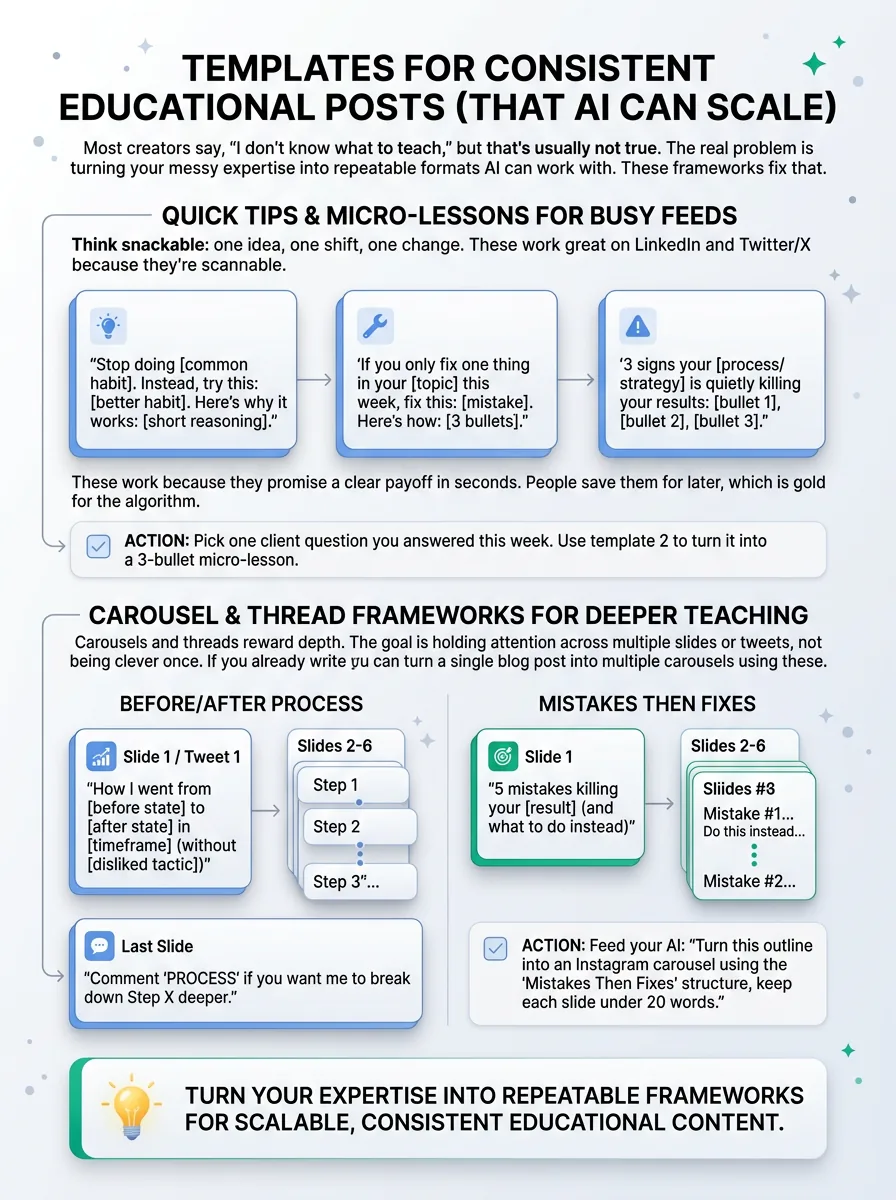
Most creators say, “I don’t know what to teach,” but that’s usually not true. The real problem is turning your messy expertise into repeatable formats AI can work with. These frameworks fix that.
Quick Tips & Micro-Lessons for Busy Feeds
Think snackable: one idea, one shift, one change. These work great on LinkedIn and Twitter/X because they’re scannable.
- “Stop doing [common habit]. Instead, try this
[better habit]. Here’s why it works: [short reasoning].”
- “If you only fix one thing in your [topic] this week, fix this
[mistake]. Here’s how: [3 bullets].”
- “3 signs your [process/strategy] is quietly killing your results
[bullet 1], [bullet 2], [bullet 3].”
These work because they promise a clear payoff in seconds. People save them for later, which is gold for the algorithm.
Action: Pick one client question you answered this week. Use template 2 to turn it into a 3-bullet micro-lesson.
Carousel & Thread Frameworks for Deeper Teaching
Carousels and threads reward depth. The goal is holding attention across multiple slides or tweets, not being clever once. If you already write longform, you can turn a single blog post into multiple carousels using these.
- “Before/After Process”
Slide 1 / Tweet 1: “How I went from [before state] to [after state] in [timeframe] (without [disliked tactic])”
Slides 2–6: Step 1, 2, 3… one per slide
Last slide: “Comment ‘PROCESS’ if you want me to break down Step X deeper.” - “Mistakes Then Fixes”
Slide 1: “5 mistakes killing your [result] (and what to do instead)”
Slides 2–6: “Mistake #1… Do this instead…”
Action: Feed your AI: “Turn this outline into an Instagram carousel using the ‘Mistakes Then Fixes’ structure, keep each slide under 20 words.”
Myth vs. Reality Templates to Shift Beliefs
Belief-shifting posts position you as the expert, because you’re not just teaching tactics; you’re correcting worldviews.
“Myth: [common belief]. Reality: [contrarian truth]. Example: [specific scenario].”
“If you still believe [myth], that’s why your [result] looks like this: [outcome]. Try this instead: [new approach].”
“Everyone says ‘[popular advice].’ Here’s why that backfires for [your audience].”
Action: List 3 things your new clients usually get wrong. Turn each one into a Myth vs. Reality post and have AI draft variations for different platforms.
Templates for Engagement Posts Your AI Tool Can Autogenerate Weekly
Engagement posts don’t have to be genius. They just have to be easy to answer. AI is great at generating these at scale, as long as you give it the right constraints.
Low-Effort Question Prompts for Any Niche
These are “reply in 3 seconds” style questions. Perfect on slow weeks.
“What’s one thing you wish you’d known before starting [specific journey]?”
“You get a free 60 minutes with an expert in [topic]. What do you ask?”
“Hot take: [your stance]. Agree or disagree?”
Action: Ask your AI tool: “Generate 20 niche-specific questions based on these templates for [your audience]. Keep them under 20 words.”
Poll & Comparison Templates for Fast Reactions
Polls work because they reduce the effort to one tap. The algorithm sees fast interaction and shows the post to more people.
“Which are you struggling with more right now? A) [option 1] B) [option 2]”
“If I created a [format: course, workshop, template] about [topic], which would you pick? A) [option] B) [option] C) [option]”
“Be honest: What’s harder? A) Starting [habit] B) Staying consistent with [habit]”
Action: Use these as Instagram stories or LinkedIn polls. Let AI brainstorm the A/B/C options for you.
Conversation Starter Templates for DMs & Communities
Good conversation starters give people permission to talk about themselves. You just supply the room.
“I’m building [offer/project] for [specific audience]. If that’s you, what’s your biggest headache right now?”
“Founders/creators: what’s one [tool/process] you couldn’t function without, and why?”
“Quiet win check-in: what went better than expected this week?”
Action: Turn one of these into a feed post and explicitly invite DMs: “If you don’t want to comment, DM me instead.”
Templates for Soft-Sell Promotions That Don’t Feel Spammy
Most promo posts flop because they read like a cold pitch. These structures mix story + value + offer so your AI can generate sales content that still feels like content.
Story-Based Promo Posts for Creators & Courses
Story-based selling works because it bypasses resistance. People relate first, then accept the offer.
“[1–2 sentences of relatable struggle]. I tried [failed attempts]. What finally worked was [your method]. That’s exactly what I teach inside [offer].”
“Last year, I was [before state]. Today, [after state]. Here’s the 3-step path I followed (and what I walk you through in [offer]).”
“If you’re [very specific situation], that’s who I built [offer] for. Here’s what it helps you do in [timeframe].”
Action: Ask AI to write 3 versions of template 1 with different starting stories from real client wins.
Case Study & Result Templates for SaaS and Agencies
You don’t need dramatic numbers. You need clear cause-and-effect.
“Client in [niche] went from [before metric] to [after metric] in [time]. We only changed three things: [bullet 1–3].”
“[Client type] hired us for [goal]. We spotted [bottleneck]. After [action], their [metric] moved from [X] to [Y].”
“No, you don’t need [expensive tactic]. This client added [result] by fixing [simple thing] first.”
Action: Give your AI anonymized details and ask for a LinkedIn post using template 2, keeping all numbers accurate.
Launch Countdown & Scarcity Posts
Countdown posts work because repetition + deadline = action. Your goal is to restate the same offer in fresh ways.
“[Number] days until [offer] closes. If you’re [hesitant persona], read this before you decide.”
“Spots left: [number]. Here’s exactly who shouldn’t join [offer] (and who should).”
“Last chance for [bonus] when you join [offer] tonight. Here’s what you’ll actually walk away with in [timeframe].”
Action: Have AI write a 5-post countdown sequence from these templates, each focused on a different objection or benefit.
Platform-Specific Templates the AI Tools Handled Best

Some formats just clicked better on certain platforms during the 30-day test. Here’s where AI social media tools consistently pulled their weight.
Instagram & Facebook: Visual-First Captions
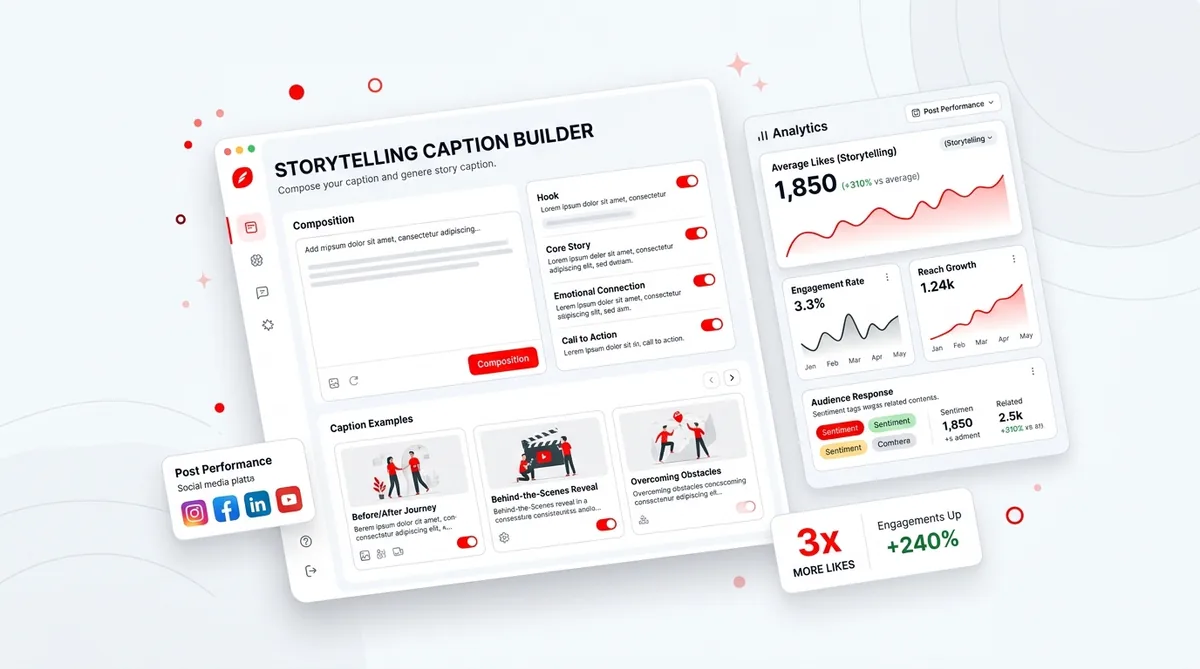
On IG/FB, the visual gets the stop. The caption earns the save and share. Short hooks + skimmable structure won every time.
Hook line in ALL CAPS or with one emoji
1–2 lines of context
Bulleted tips or steps
Simple CTA: “Comment X if you want Y”
Template: “[HOOK]
[1–2 lines of ‘here’s what this is about’]
• [Tip 1]
• [Tip 2]
• [Tip 3]
Want help with [result]? Comment ‘[keyword]’ and I’ll send you [resource].”
For more nuance on writing comments-magnet captions, see this breakdown on captions that trigger replies.
LinkedIn: Authority-Building Posts
What worked best on LinkedIn wasn’t “thought leadership” fluff. It was concrete stories with a clear takeaway.
“Last week, a [client type] asked me [question]. Here’s how I answered it.”
“We tested [tactic] for [timeframe]. The results weren’t what we expected.”
“Most [role] think their problem is [X]. After [years] doing this, I almost never see that. It’s usually [Y].”
Action: Prompt AI: “Turn this client situation into a LinkedIn post using template 1, staying under 200 words, no buzzwords.”
TikTok & Reels: Short Script Starters
On vertical video, the script that worked best was: punchy hook, one clear point, one CTA. That’s it.
Template:
- Hook (0–3 seconds)
“If you’re [specific persona], stop scrolling.”
- Body (3–20 seconds)
“Here’s the [mistake/shift/step].”
- CTA (20–30 seconds)
“Save this for later and follow for more [topic].”
Action: Ask AI for a 30-second script using this structure and one of the hook templates from earlier, then record it word-for-word once. Next time, just riff.
Twitter/X: Thread Starters and One-Liners
Threads that performed best opened with a bold claim or curiosity gap, then stacked skimmable points.
“Most [role] are stuck at [result] for one boring reason: [reason]. Thread:”
“You don’t need more [tactic]. You need better [foundation]. 7 examples:”
“I grew from [metric] to [metric] in [time]. Not by [popular tactic], but by [contrarian method]. Here’s the breakdown:”
Action: Feed your AI: “Write a 7-tweet thread starting with template 3 for creators who grew from 0 to 10k followers.”
Why Most People Still Don’t Get Results With AI Social Media Tools
Here’s the part most guides skip. The reason people whiff with AI social media tools isn’t the tech. It’s how they use it.
Copying Templates Word-for-Word Without Context
If people can’t tell it’s you, the algorithm can’t either. Copy-pasted, unedited templates blend into the feed and tank your watch time and replies.
Fix: Always inject your niche, your quirks, or a real example. One specific detail per post is enough to stand out.
Ignoring Platform Culture and Format
Posting a 300-word LinkedIn essay as an Instagram caption with no line breaks? That’s a scroll. Posting TikTok-style all caps chaos on LinkedIn? Same.
Fix: Use the same idea, different wrapper. Short, punchy for TikTok/Reels; structured and paragraph-based for LinkedIn; hook + bullets for IG carousels.
Over-Automating and Never Engaging Back
“Set and forget” looks efficient until the algorithm tags you as a broadcast-only account. No replies, no DMs, no comments = low quality signal.
Fix: For every batch of scheduled posts, schedule 10–15 minutes to reply to comments and send 3–5 genuine DMs.
Using AI to Post More, Not Better
Volume with no strategy just burns out your audience. And you. The tools spit 20 posts; none of them clearly lead to your offers.
Fix: Tie each template to a goal: grow followers, get replies, build authority, or sell. If it doesn’t serve one, skip it.
Skipping Analytics and Iteration
If you never check which hooks actually get saves or which posts get DMs, you’re flying blind.
Fix: Once a week, look at your top 5 posts. Note the opening line, format, and topic. Feed those patterns back into your AI prompts.
From Manual Posts to Repeatable Output: What 30 Days of Testing Revealed
The real problem isn’t knowing what good content looks like. You already see it all day. The headache is producing enough on-brand variations without spending an hour per post.
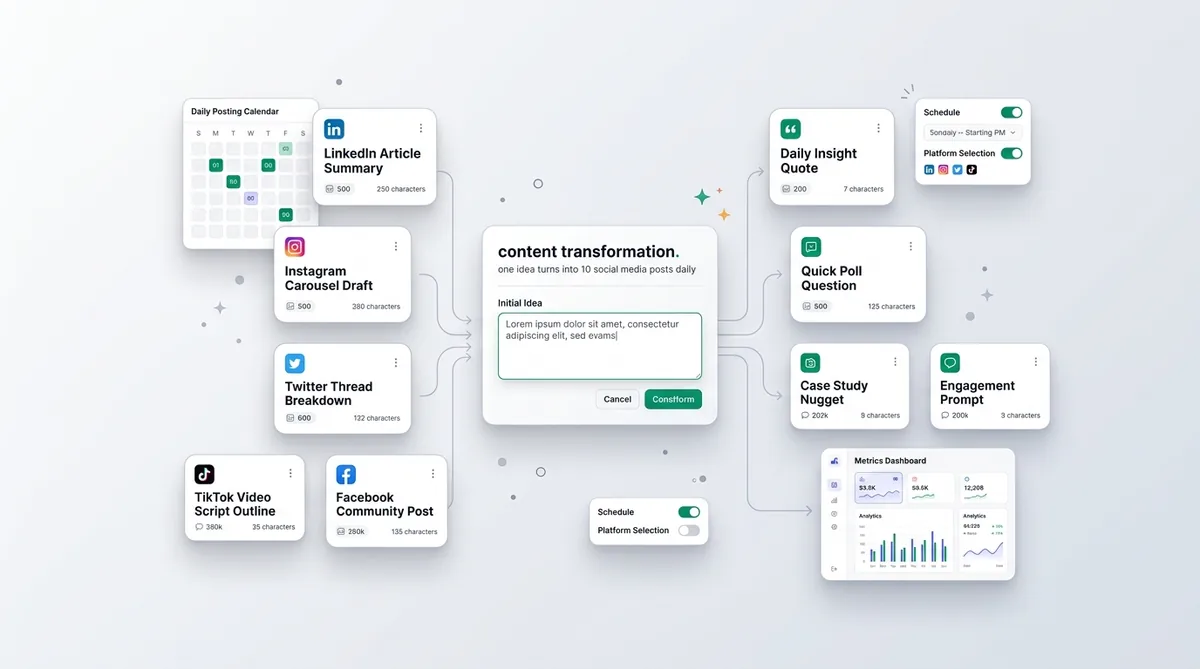
That’s exactly why creators lean on generators: you feed one idea in and get multiple platform-specific drafts out, then you just pick and polish the best. I’ve had a single rough thought turned into a LinkedIn post, a tweet thread, and a Reels script by the SocialOrbit Content Generator just by choosing the platform and tone I wanted, then tweaking the outputs to sound like me.
Start creating viral content today
Join other creators who've transformed their social media presence with AI-powered content.
Start creating nowFAQ: Using AI Social Media Tools and These Templates
Do I Need a Paid AI Social Media Tool, or Can I Use These Templates Manually?
You can absolutely use these manually. Type them out, customize, post. That said, once you’re posting daily on 2–3 platforms, paid tools start saving time because they can generate and schedule variations in batches.
How Many Posts Should I Create From Each Template?
For most audiences, 3–5 variations per template per month is plenty. Change the angle, story, or example each time. If you’re posting more than that, spread them across platforms so it doesn’t feel repetitive.
How Do I Keep My Brand Voice Consistent Across AI Outputs?
Create a simple one-page voice doc: traits (3 words), do-say/don’t-say phrases, and 2–3 example posts that “sound like you.” Paste a short version of that into your AI prompts or tool settings every time.
Will Using Templates Make My Content Sound Like Everyone Else?
Not if you treat them as scaffolding, not scripts. The structure is shared; the stories, examples, data, and opinions are yours. That’s where differentiation lives.
How Often Should I Post With AI Help?
Start with a schedule you can actually maintain: 3–5 posts per week on your main platform, 1–3 on secondary ones. Let AI handle the first draft, and you focus your energy on editing and engaging.
Create 10x More Content
Transform one idea into dozens of engaging posts for every platform.
Try Content GeneratorWrapping Up: Steal the Structure, Not the Soul of Your Content
Templates and AI social media tools aren’t here to replace your voice. They’re here so you don’t waste it on staring at blank docs.
Steal these structures, feed them into your tools, then add the one thing AI can’t fake: your specific stories, opinions, and receipts.