The Content Treadmill is Exhausting
Imagine pouring four hours into a killer YouTube video or deep-dive newsletter. You hit publish. It gets a burst of likes. Three days later, the algorithm decides it's old news, and your masterpiece is completely dead.
Jump to a section:
- The Content Treadmill is Exhausting
- Quick Answer: What is a Content Repurposing Checklist?
- Why a Content Repurposing Checklist is Your Shortcut to Maximum ROI
- How to Customize These Templates for Your Brand
- The Blog-to-Social Checklist: High-Value Text Extraction
- The Video-to-Vertical Checklist: Capturing Attention in 60 Seconds
- The Data & Social Proof Checklist: Repurposing Success
- 5 Mistakes That Kill Your Repurposed Content Results
- Scaling Your Workflow: Manual Effort vs. Repeatable Output
- Frequently Asked Questions About Repurposing
- Final Summary: From One Asset to Omni-Channel Presence
Sound familiar?
Most creators get stuck on this treadmill. They think the secret to growth is producing a brand new idea every single day. That is a fast track to burnout. What actually works is building a reliable content repurposing checklist that turns your best heavy-lifting content into a month's worth of native social posts.
Quick Answer: What is a Content Repurposing Checklist?
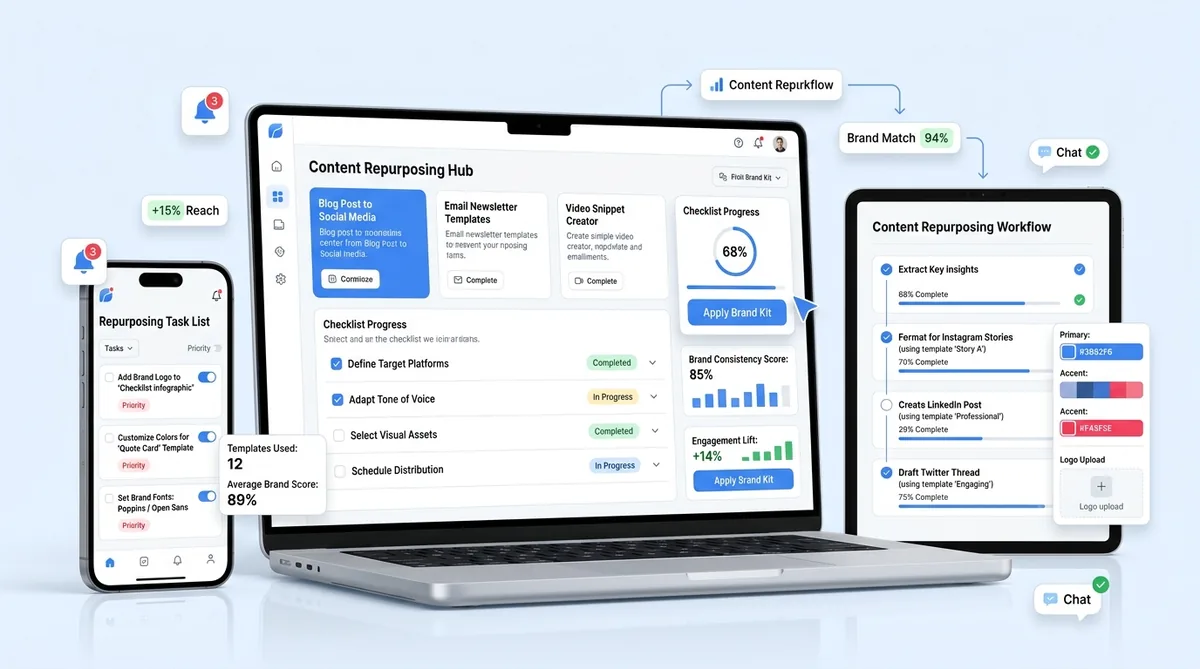
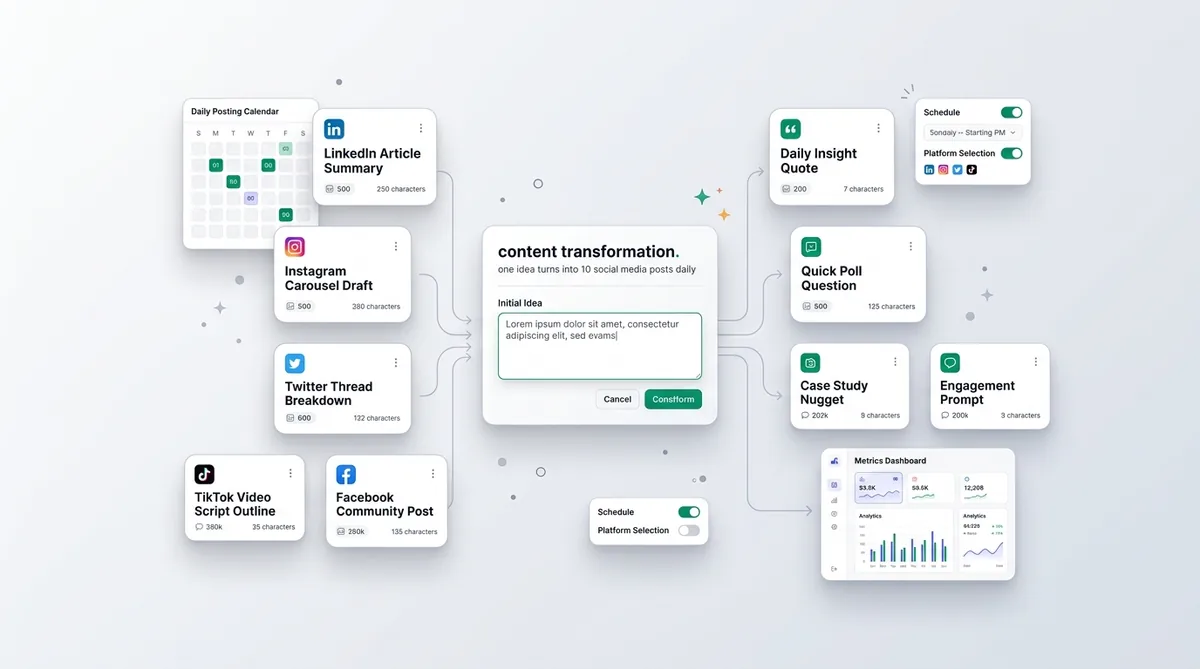
A content repurposing checklist is a systematic framework that converts one core piece of long-form content into 10 or more platform-native social media posts. Instead of starting from scratch, creators use this checklist to extract, reformat, and distribute their best ideas across multiple platforms while matching each algorithm's unique formatting rules.
Why a Content Repurposing Checklist is Your Shortcut to Maximum ROI
Creating new content daily is a losing game. It dilutes your message and burns you out.
The smartest creators treat their long-form content like a raw material. A single podcast episode shouldn't just be an audio file. It is a cluster of quotes, a framework for a thread, and a series of short-form video hooks waiting to be extracted.
In practice, audience overlap between platforms is shockingly low. The people reading your LinkedIn carousels are rarely the same people watching your Instagram Reels. Repurposing isn't lazy. It is how you ensure your best ideas actually get seen. And if you are trying to figure out how to plan a week of social media content fast, starting with assets you already have is the only sustainable way to do it.
How to Customize These Templates for Your Brand
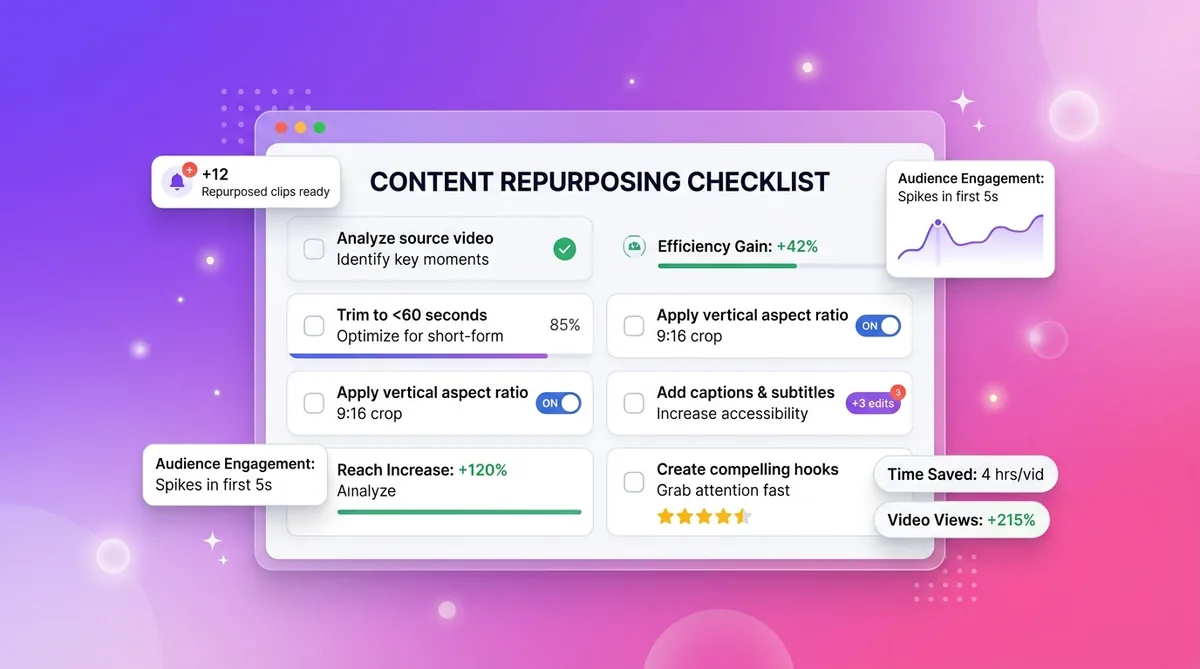
You cannot just copy-paste text from a blog into an Instagram caption and expect it to perform.
Every platform has its own language. A Twitter thread relies on curiosity gaps and punchy one-liners. A LinkedIn post needs professional context and formatting space. A TikTok script requires an immediate visual pattern interrupt.
The trick to using this content repurposing checklist is modifying the wrapper while keeping the core insight identical. Your audience wants the same value, just delivered in the package they prefer to consume.
The Blog-to-Social Checklist: High-Value Text Extraction
Long-form written content is the easiest asset to slice up. You have already done the research and structured the arguments.
The 10-Slide LinkedIn Carousel Framework
LinkedIn's algorithm heavily rewards "dwell time"—the amount of time a user spends looking at your post. Carousels force users to click and swipe, which builds micro-commitments. Each swipe signals to the algorithm that your content is holding attention.
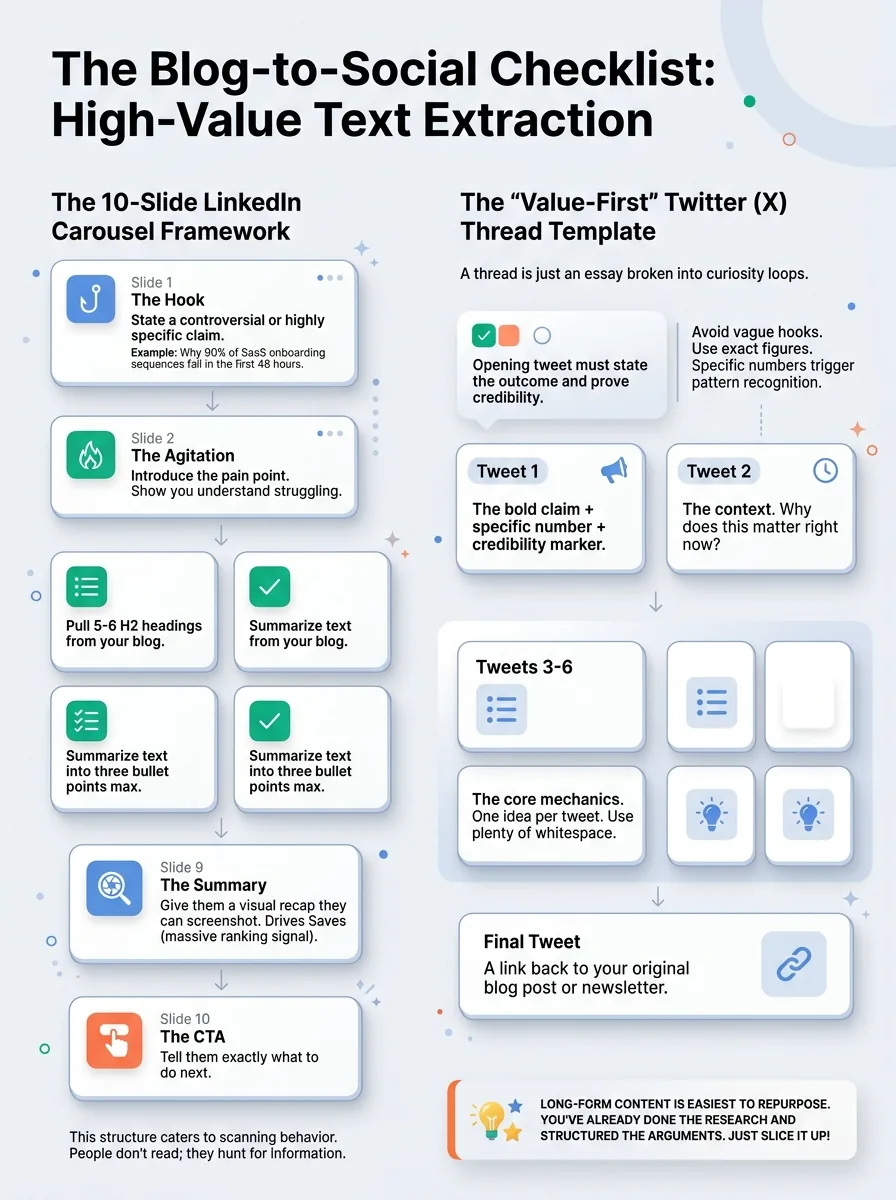
Here is how you turn a blog post into a carousel:
- Slide 1 (The Hook)
State a controversial or highly specific claim from your article. Example: "Why 90% of SaaS onboarding sequences fail in the first 48 hours."
- Slide 2 (The Agitation)
Introduce the pain point. Show you understand why they are struggling.
- Slides 3-8 (The Steps)
Pull 5-6 H2 headings from your blog. Summarize the text under each into three bullet points max.
- Slide 9 (The Summary)
Give them a visual recap they can screenshot. This drives Saves, which is a massive ranking signal.
- Slide 10 (The CTA)
Tell them exactly what to do next.
This structure works because it caters directly to scanning behavior. People don't read on social media; they hunt for information.
The 'Value-First' Twitter (X) Thread Template
A Twitter thread is just an essay broken into curiosity loops.
When you extract a guide for Twitter, the opening tweet must do two things: state the outcome and prove your credibility. Do not write vague hooks like "Here are some tips." Specific numbers trigger the brain's pattern-recognition system. Use exact figures.
Once you nail the hook, format your thread like this:
- Tweet 1
The bold claim + specific number + credibility marker.
- Tweet 2
The context. Why does this matter right now?
- Tweets 3-6
The core mechanics. One idea per tweet. Use plenty of whitespace.
- Final Tweet
A link back to your original blog post or newsletter.
The Video-to-Vertical Checklist: Capturing Attention in 60 Seconds
Taking a horizontal 20-minute YouTube video and chopping it into Reels requires ruthless editing. You have to kill your darlings.
The 'Problem-Solution' Short-Form Video Hook
The biggest mistake creators make with video repurposing is leaving the original intro intact. If your Reel starts with "Hey everyone, welcome back," they have already scrolled past you.
You need to locate the golden 5 seconds of your video. This is the moment you state a shocking fact, counter-intuitive opinion, or immediate solution. Move that 5-second clip to the very front of your vertical video. Text overlays are mandatory here. According to Instagram's own creator guidelines, high-contrast text in the first three seconds significantly boosts viewer retention.
Educational Snippets for Instagram Stories
Instagram Stories are for nurturing, not discovery. You are talking to your warm audience.
Turn a podcast segment or webinar into a 3-part micro-sequence. The mechanism here is tap-forward friction. You want to give them just enough value that they tap to the next story, but not so much that the screen gets cluttered.
- 1. The Tease
A simple text poll or question sticker related to the video topic.
- 2. The Insight
A 15-second clipped video answering that exact question.
- 3. The CTA
A link sticker driving them to the full episode.
The Data & Social Proof Checklist: Repurposing Success
Case studies shouldn't just live on a dusty page on your website. They are prime social media material.
Infographic Visuals from Raw Data
People love statistics because they feel authoritative. If your original article has original research or a customer survey, isolate one single data point. Turn that one number into a minimalist graphic for LinkedIn or Pinterest. The stark visual contrast of a single, massive number on a plain background stops the scroll.
The 'Before & After' Transformation Swipe File
Transformations are compelling because human brains are hardwired to notice contrast. Pull a customer success story and format it as a two-column text post.
Show the exact metrics before they used your method, and the exact metrics after. It requires almost no new writing, but it serves as highly effective bottom-of-funnel content.
5 Mistakes That Kill Your Repurposed Content Results
Why do most people still get terrible results when they try to repurpose their content? Because they treat different platforms like identical dumping grounds. Check your workflow against these common errors:
- Stacking 3 ideas into one opening line
Your hook must promise one specific outcome. If you try to tease three different concepts, you confuse the reader and they keep scrolling.
- Copy-pasting YouTube hooks to TikTok
TikTok demands immediate visual action. YouTube tolerates slower, conversational setups. If you don't aggressively trim the fat, your retention graph will flatline at 2 seconds.
- Leaving platform-specific jargon in the text
Mentioning "link in bio" on a LinkedIn post or "retweet this" on an Instagram caption screams that you automated your content without reviewing it.
- Failing to adapt formatting for mobile
A beautiful paragraph on your blog becomes a massive, unreadable wall of text on a phone screen. You have to break it down to 1-2 sentences per paragraph for social.
- Stripping context from quotes
Pulling a random 10-second clip out of a 2-hour podcast often leaves the viewer confused. You must add text overlays to establish who is talking and why the viewer should care.
Fixing these mistakes is how you create content faster without sacrificing the quality that builds actual trust.
Scaling Your Workflow: Manual Effort vs. Repeatable Output
Look, the real problem isn't knowing what a good carousel or thread looks like. You understand the formats. The actual bottleneck is execution.
Manually extracting quotes, rewriting hooks for four different platforms, and formatting scripts takes hours. You end up spending more time chopping up the content than you did creating the original piece. That completely defeats the purpose of repurposing.
That is why creators eventually move from manual copy-pasting to a repeatable system. When you use a dedicated repurpose generator, you simply paste your long-form blog post or YouTube script, select your target platforms, and it instantly outputs natively formatted options—like a 10-slide carousel, a threaded script, and short-form video hooks. You spend your time choosing the best variations and publishing, rather than starting at a blank screen.
Start creating viral content today
Join other creators who've transformed their social media presence with AI-powered content.
Start creating nowFrequently Asked Questions About Repurposing
Will Google penalize me for duplicate content if I cross-post my blog to LinkedIn?
No. Google's duplicate content penalty targets malicious spam practices, not syndicated articles. To be completely safe, publish on your own domain first, wait a few days for it to index, and then post it as a LinkedIn article or Medium post.
How soon can I repost an old piece of content?
For platforms with fast-moving feeds like X (Twitter) or Threads, you can easily repost successful text every 3 to 4 months. For visual platforms like Instagram, wait at least 6 months before bringing back an old reel or carousel.
Do I need to be on every platform?
Not even close. Pick one primary long-form channel (like a blog, YouTube, or podcast) and two short-form distribution channels (like LinkedIn and Instagram). Master those before expanding.
Repurpose One Post Into 15+
Turn your best content into posts for every platform in seconds.
Try Repurpose GeneratorFinal Summary: From One Asset to Omni-Channel Presence
Stop letting your best ideas die after 24 hours. By applying this content repurposing checklist, you turn one deep-dive asset into an entire ecosystem of social posts. Work smarter, extract the core value, and let your existing content do the heavy lifting for your brand.